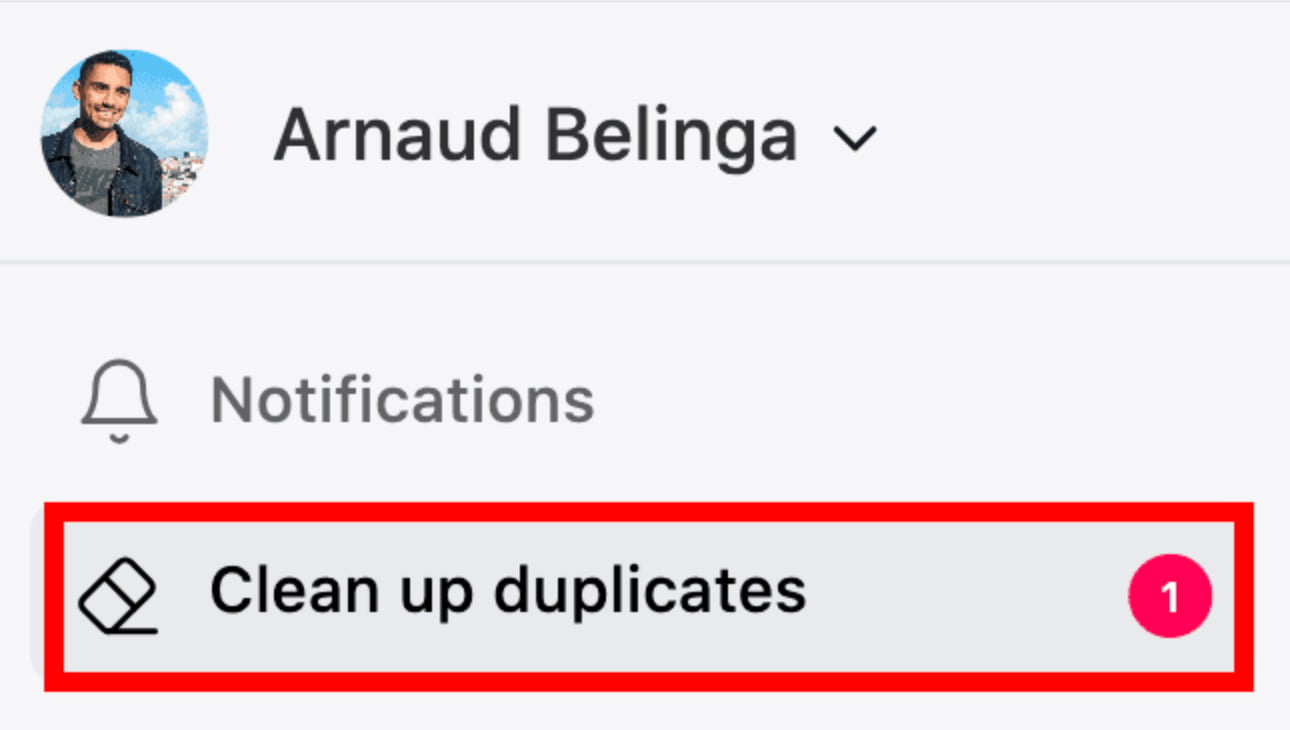
Step 1: Go to “Clean up Duplicates”
Find it on the left side panel with the Eraser icon
Step 2: Review the Duplicates
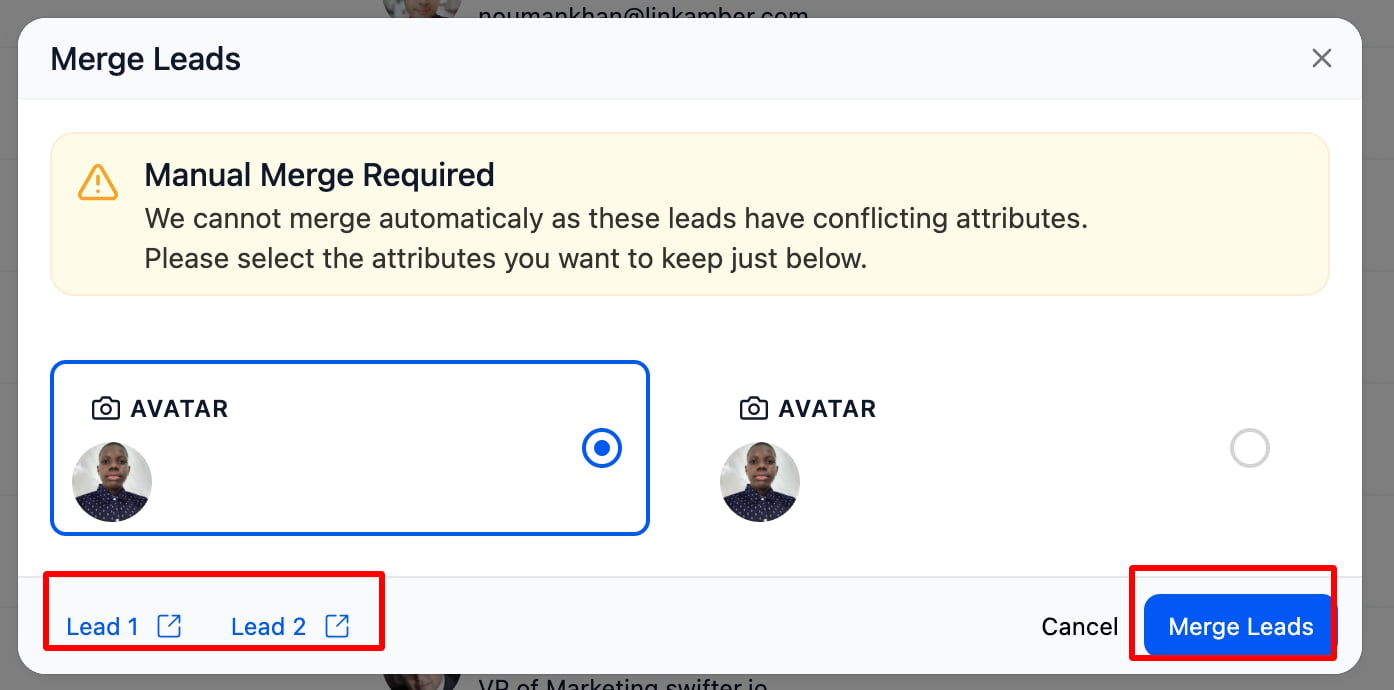
Breakcold will list contacts it detects as potential duplicates based on names, emails, or LinkedIn URLs. ⚠️ Important Note: Sometimes duplicates have conflicting information (e.g. different emails or names). In these cases, manual merge is required you’ll need to select which data to keep for each field. Breakcold will handle the rest once you’ve made your selections.- Same full name
- Same email address or LinkedIn URL
- And 20+ other smart criteria
Step 3: Choose What to Do
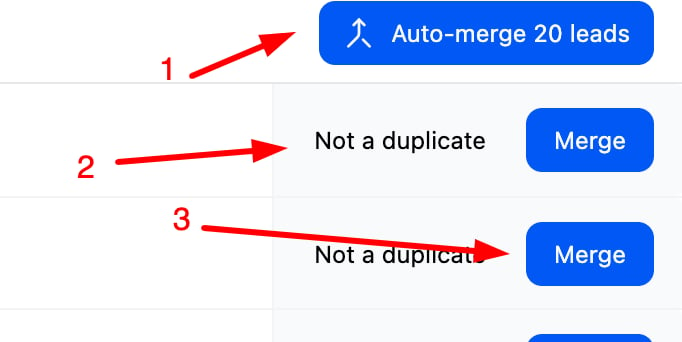
- Auto-merge all duplicates
- Manually merge contact Mark as “Not a duplicate” if they’re actually different
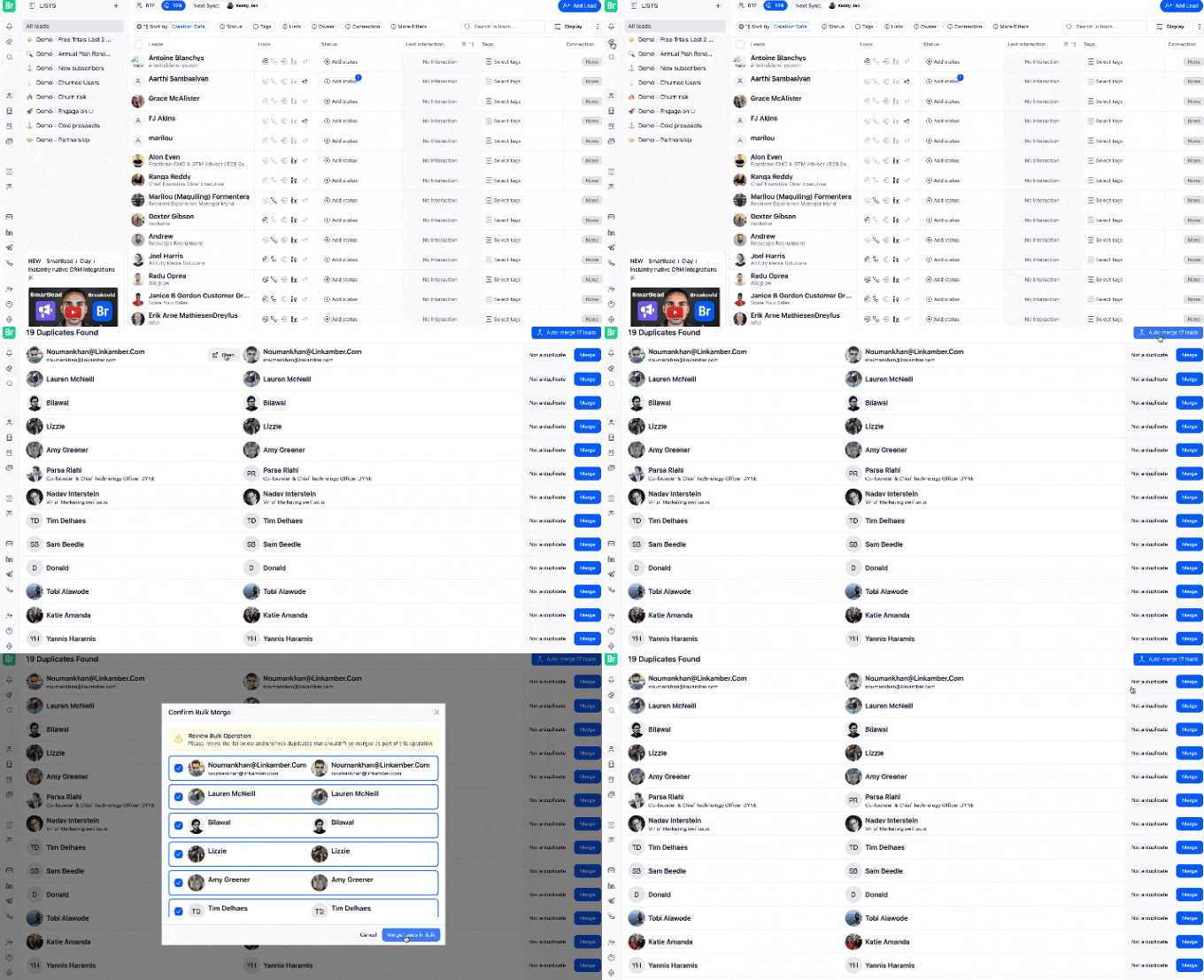
Feature Preview