Available Filters
Breakcold lets you customize your analytics view with easy-to-use filters:- Date: Select any date range to focus on specific periods.
- Lead Lists: Filter analytics based on your lead segments.
- Tags: Narrow down data using tags you’ve assigned to leads or deals.
- Pipeline Status: View analytics for deals in specific pipeline stages.

Comparison Feature
When you select a date, Breakcold automatically compares the data to the previous period (e.g., today vs. yesterday), helping you spot trends quickly.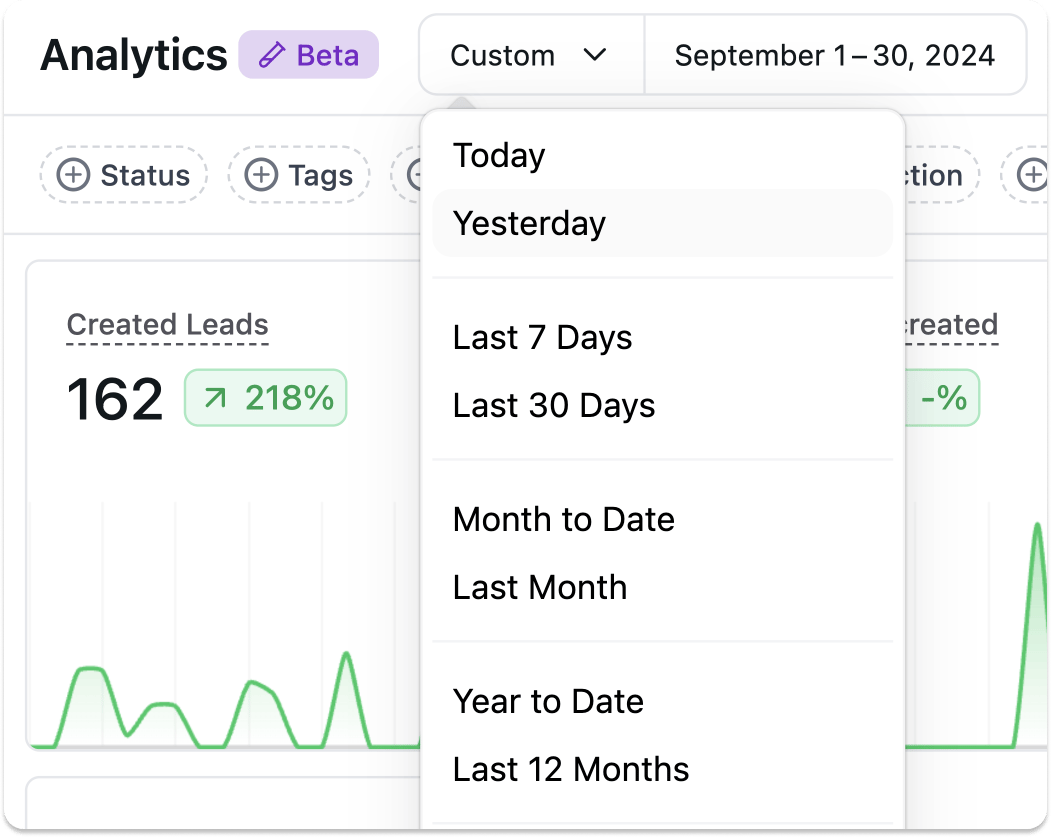
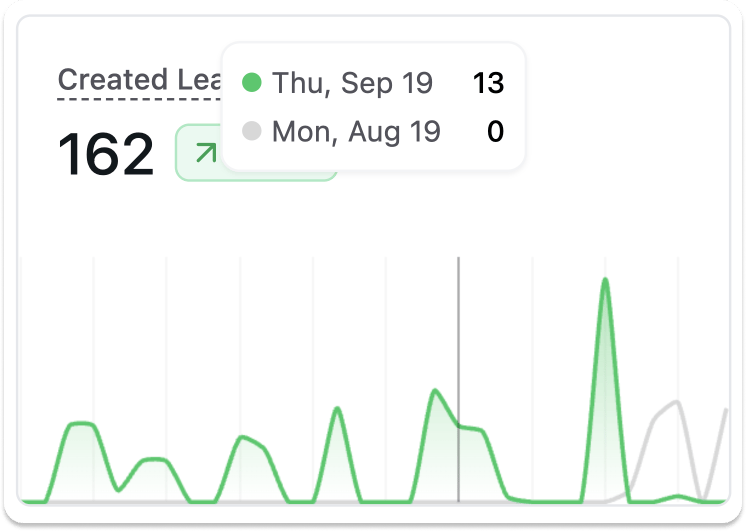
Hover Insights
Hover over analytics blocks to see detailed insights and comparisons without switching screens.