

Contacts & Lists
How can I create a new tag on a lead?
Navigate to the lead’s info page, click on the tag field, type the new tag, and a “Create” option will pop up.
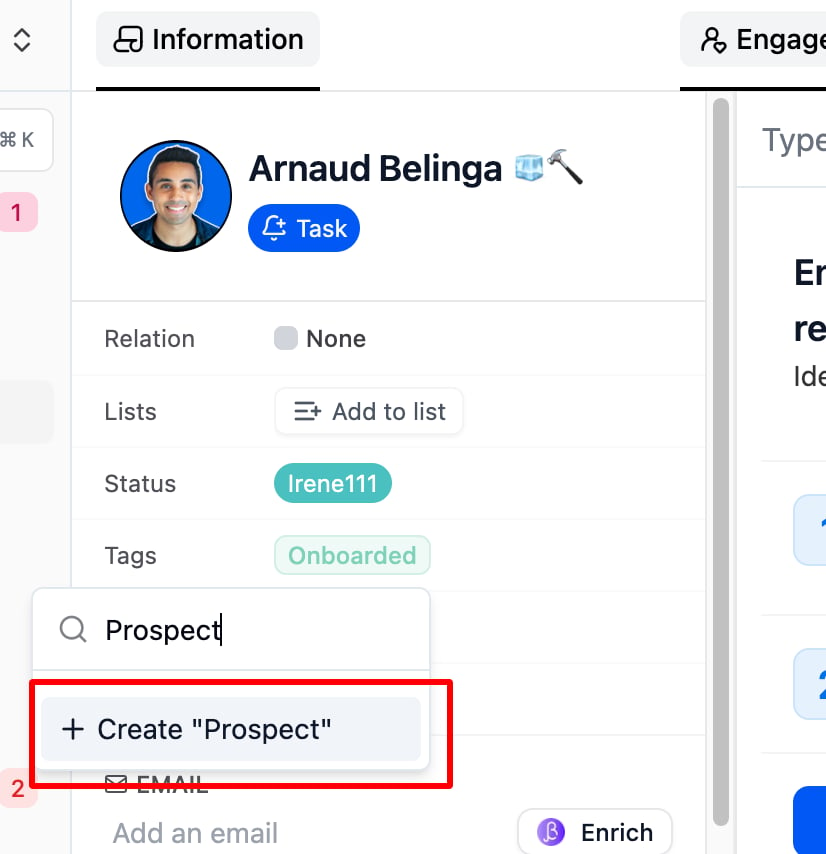
Navigate to the lead’s info page, click on the tag field, type the new tag, and a “Create” option will pop up. Click it to add the new tag.