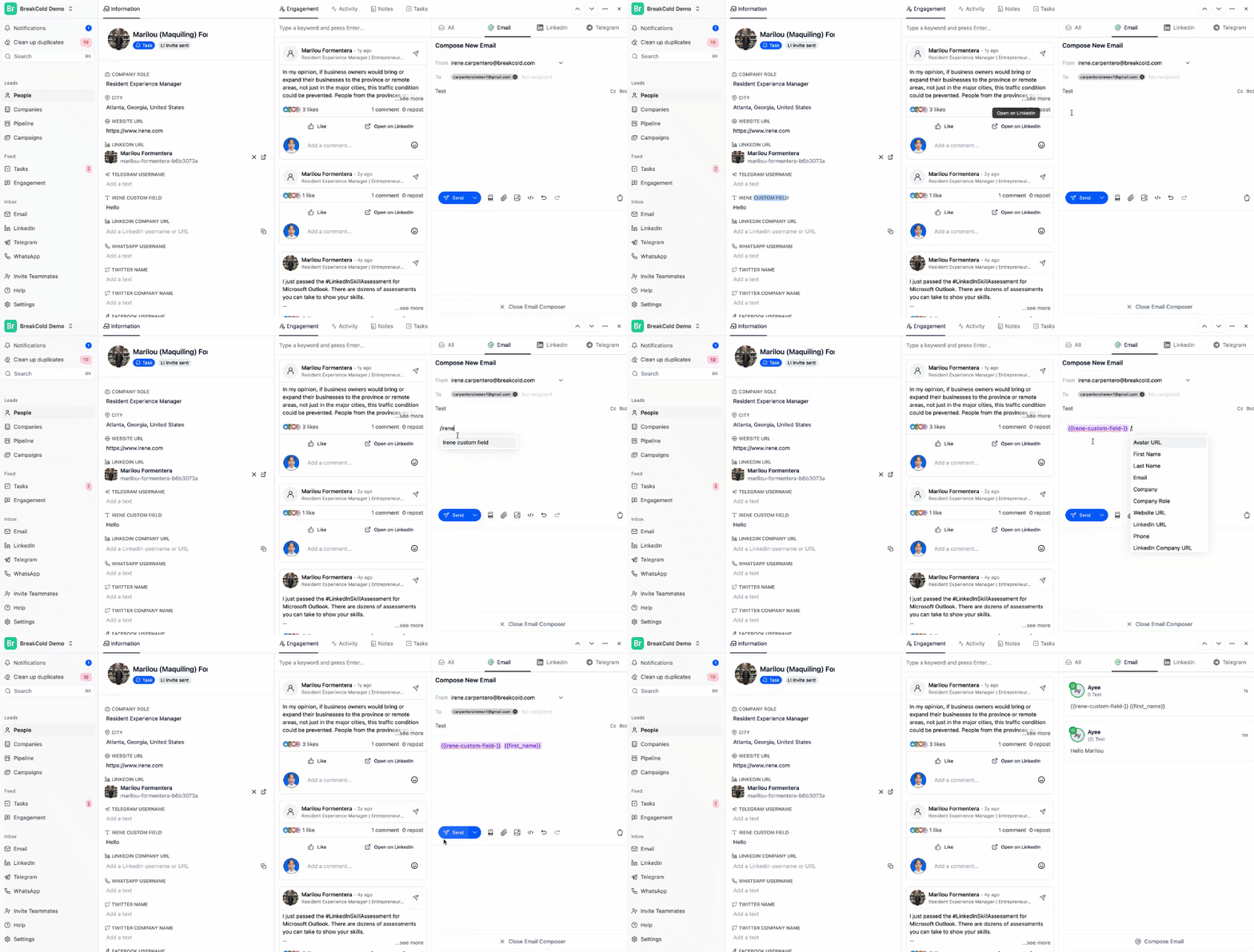
- Make sure the custom field is not empty, if it’s blank, the variable will not populate in the email.
- Always compose your message from the lead’s profile section, not the general inbox. If you write from the general inbox, the custom field variable will not work properly.
- Use the ”/” key to insert a custom field into your email.
- Click on the desired field (e.g., /First Name, /Company, /Icebreaker) to insert it into your email.