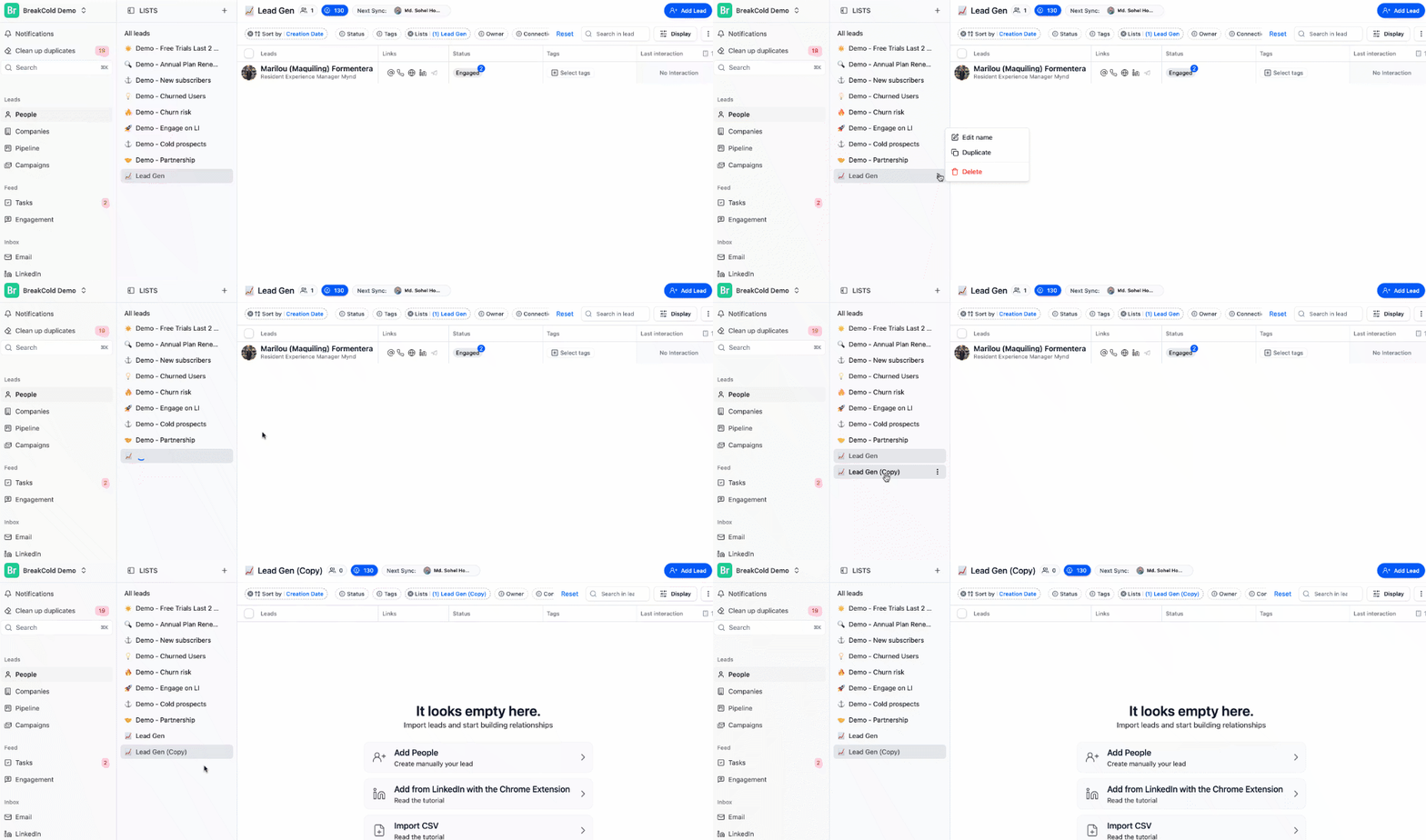
How to Duplicate a List
⚠️ The duplicated list will not include the leads — only the list setup and pipeline structure are copied.- Go to the People section in your sidebar.
- Find the list you want to duplicate.
- Click the three-dot menu (⋮) next to the list name.
- Select “Duplicate List.”