How to Create Custom Statuses
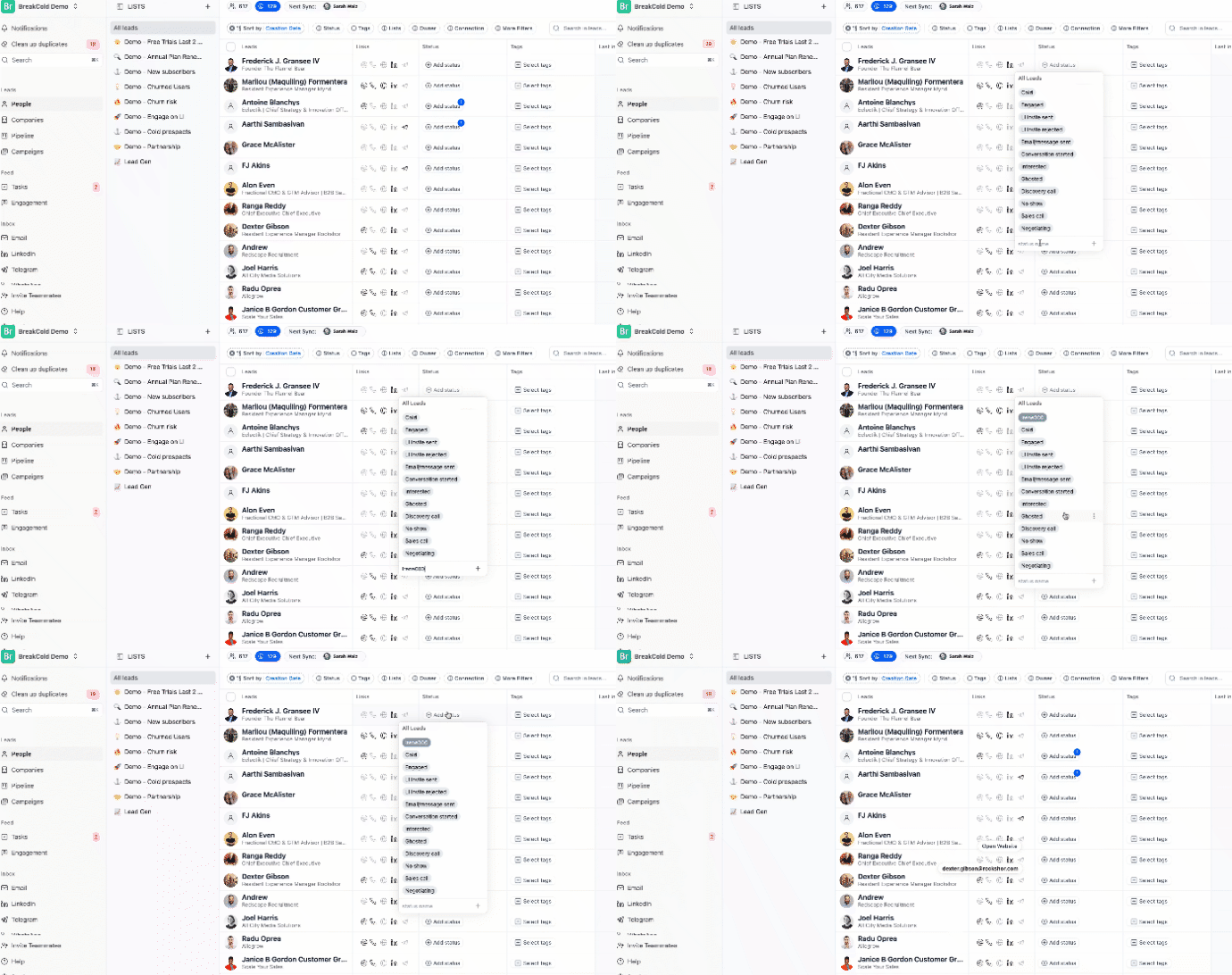
Custom statuses help you track where each lead is in your workflow. Here’s how to create and apply them:- Go to the People section.
- Select a lead.
- Click on the Status field.
- Type in a new status, then click the ➕ plus sign.
- Click enter to save it
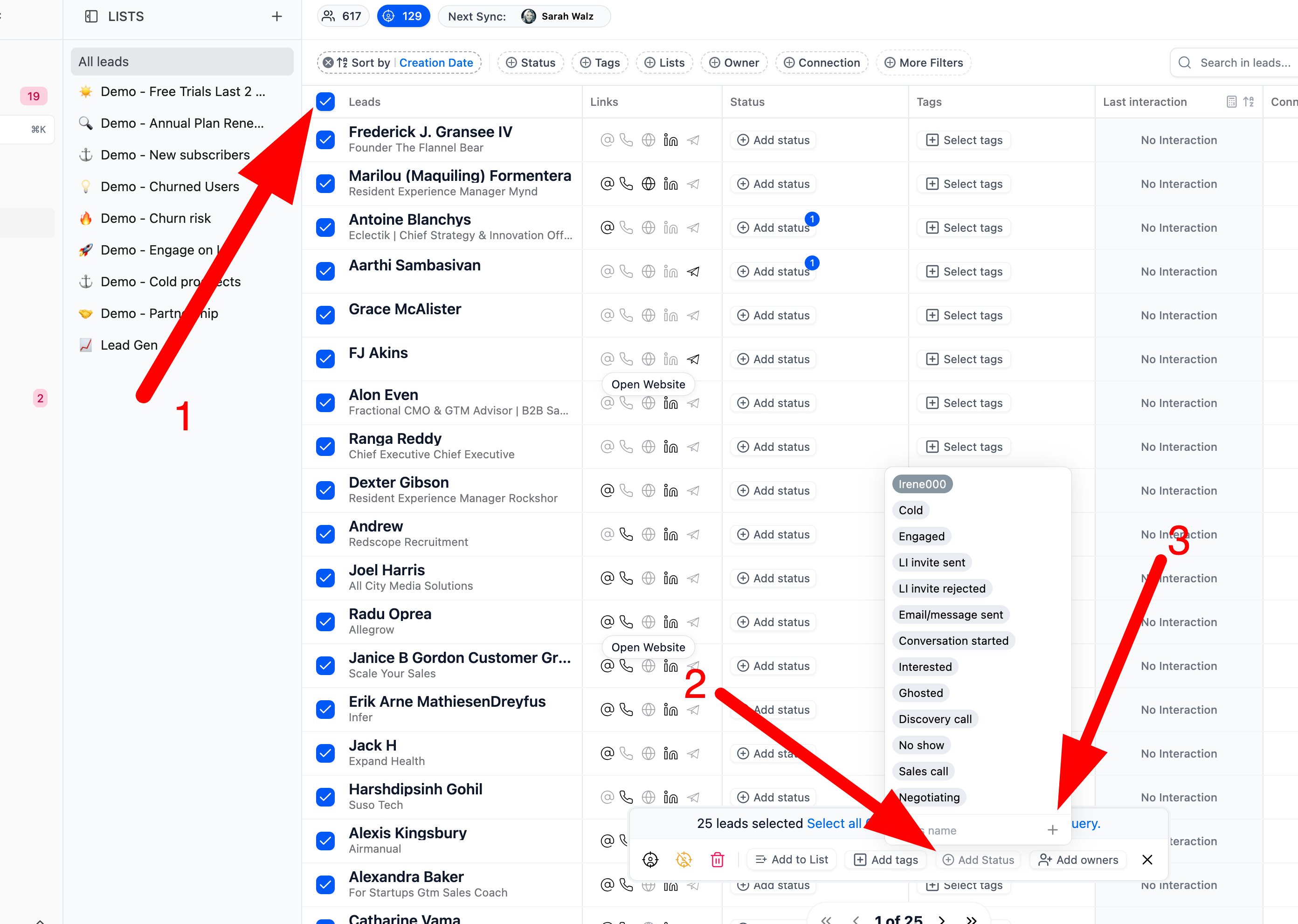
To Apply or Create Statuses in Bulk
- Select multiple leads from the list and the bulk action bar will appear.
- Click on “Add Status”.
- To create a new status, type it in and click the ➕ plus sign.