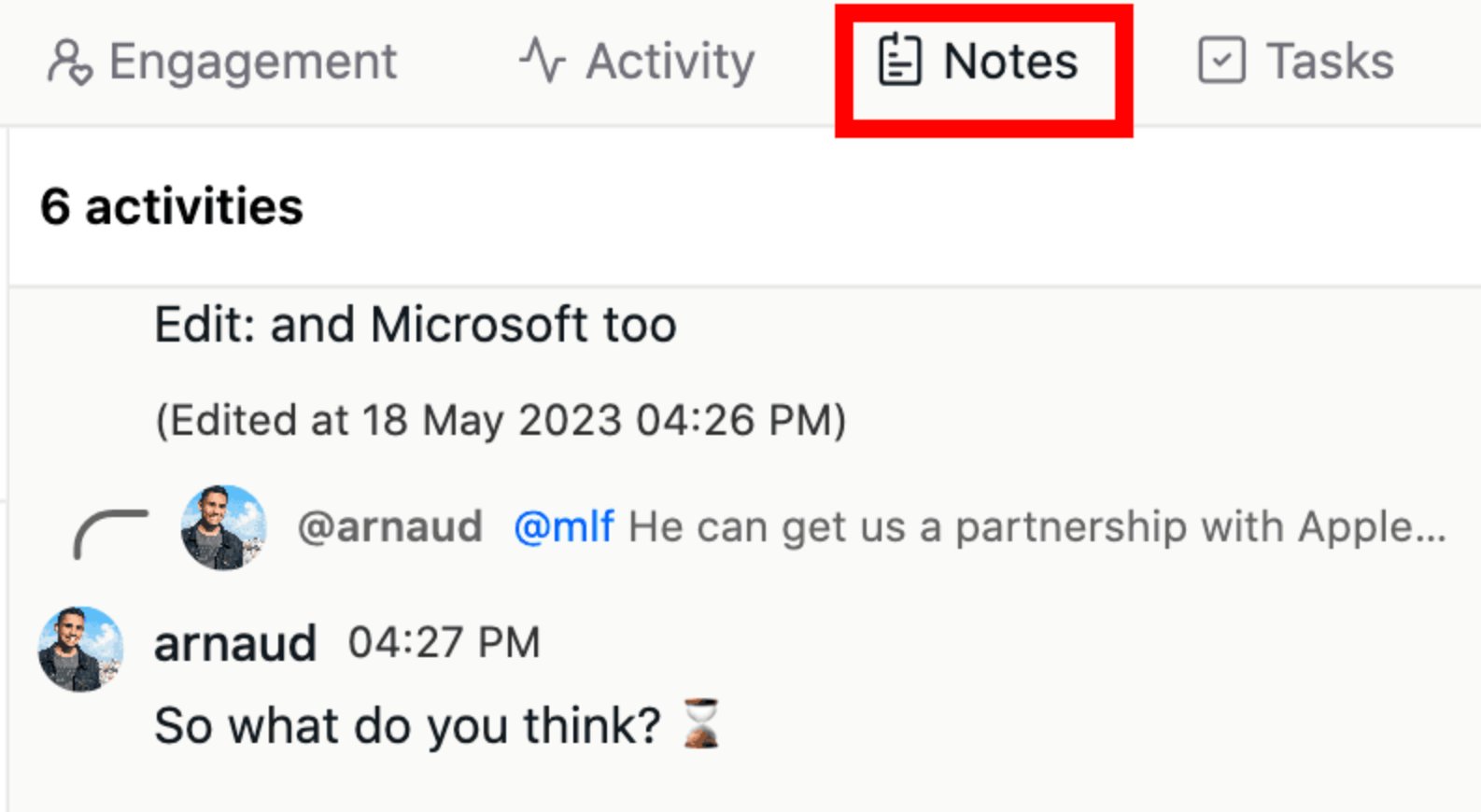
Where to find it
Inside each lead’s profile, go to the Notes section.What you can do:
- Create a note: Click the text box and start typing
- Edit: Hover over your note and click the pencil icon
- Reply: Click “Reply” under any note to start a thread
- Tag a teammate: Use
@teammemberto notify them