- Check for active filters – Make sure no filters (like tags, owners, or status) are hiding your messages.
- Click the refresh icon to reload your inbox.
- Ensure you’re in the “To Do” section – Messages will only appear here until marked as done.
- Check your connection status:
- If it’s disconnected, reconnect your social account from Settings > Accounts.
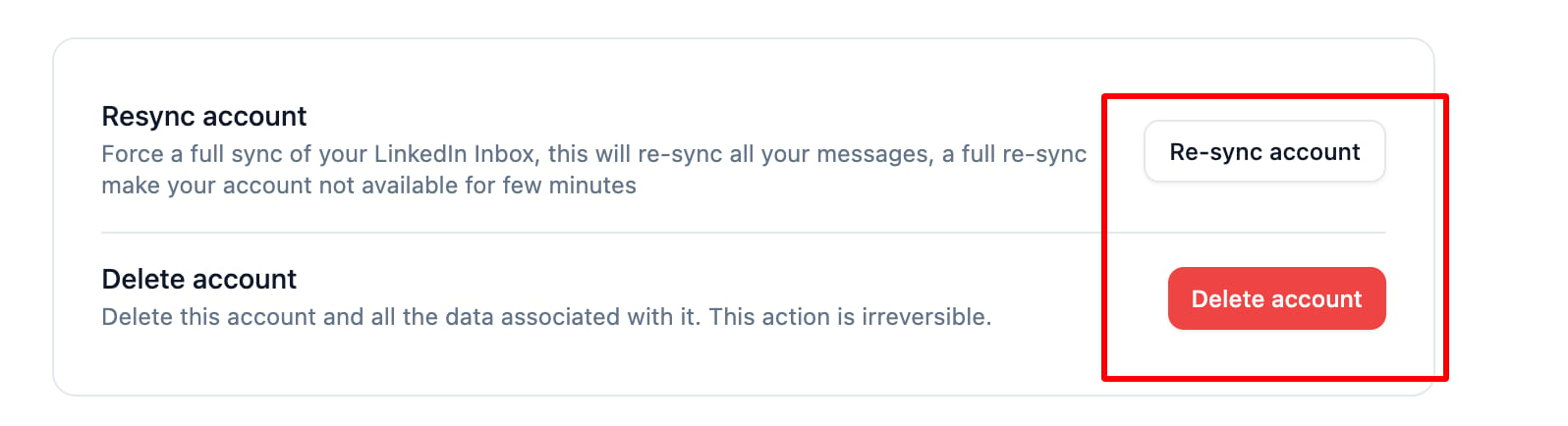
- If it’s connected, try deleting and reconnecting the account to refresh synchronization.
- Check your LinkedIn connection:
- LinkedIn accounts automatically disconnect after 7 days of inactivity to save system resources.
- You may need to reconnect the account manually.
- Verify permission settings:
- By default, only the LinkedIn account owner has access.
- If you’re a team member, the owner must manually grant you access via Settings > Accounts.
- Ensure the access level is correctly configured.