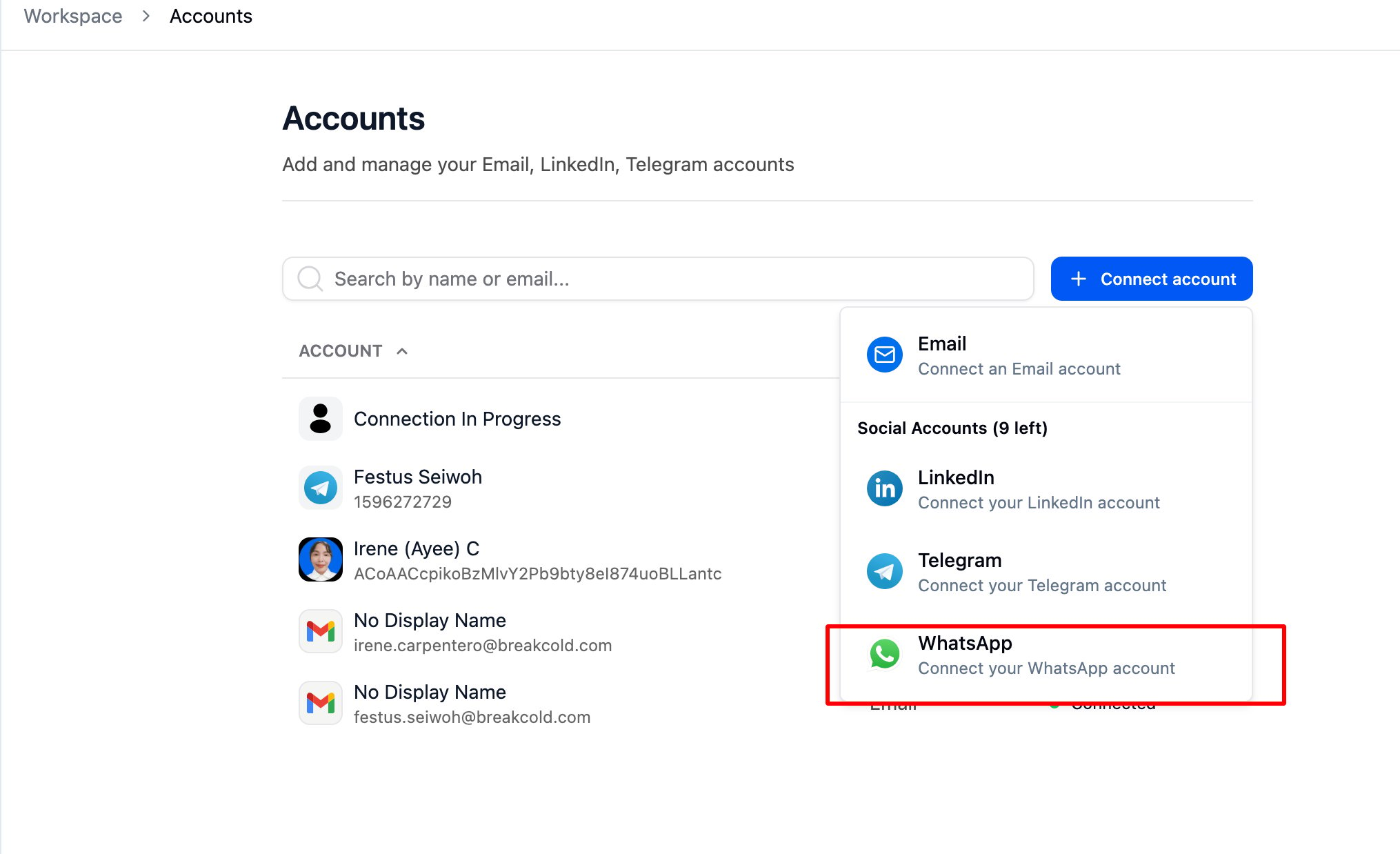
How to Integrate WhatsApp Go to Accounts, then click How to Integrate WhatsApp screenshot 1 and select Whatsapp from the dropdown list. How to Integrate WhatsApp screenshot 2
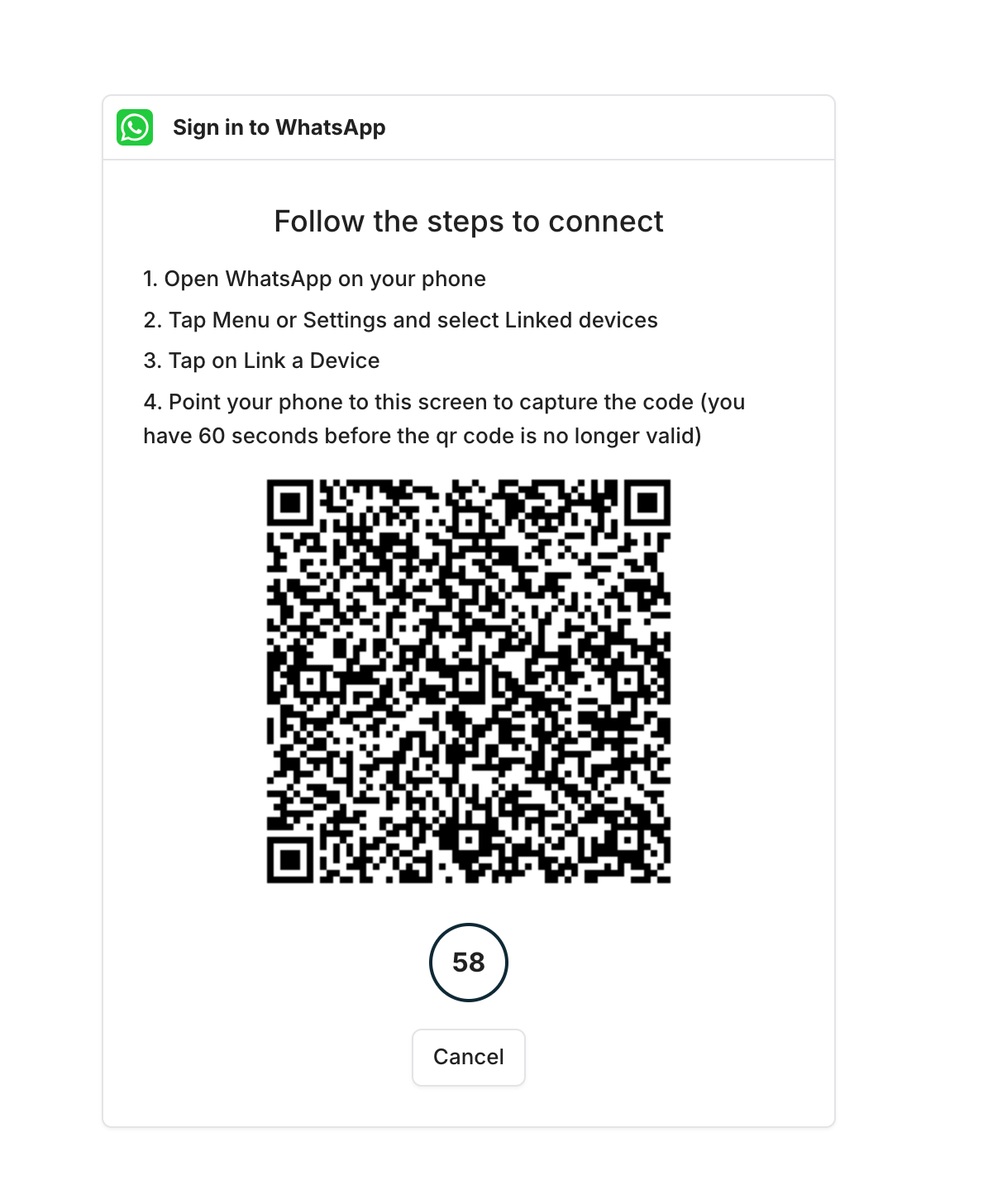
  • You’ll be prompted with a QR code — on WhatsApp, go to “Scan Code” to scan it. After scanning, a page will pop up where you can click “Link Device” to complete the connection.
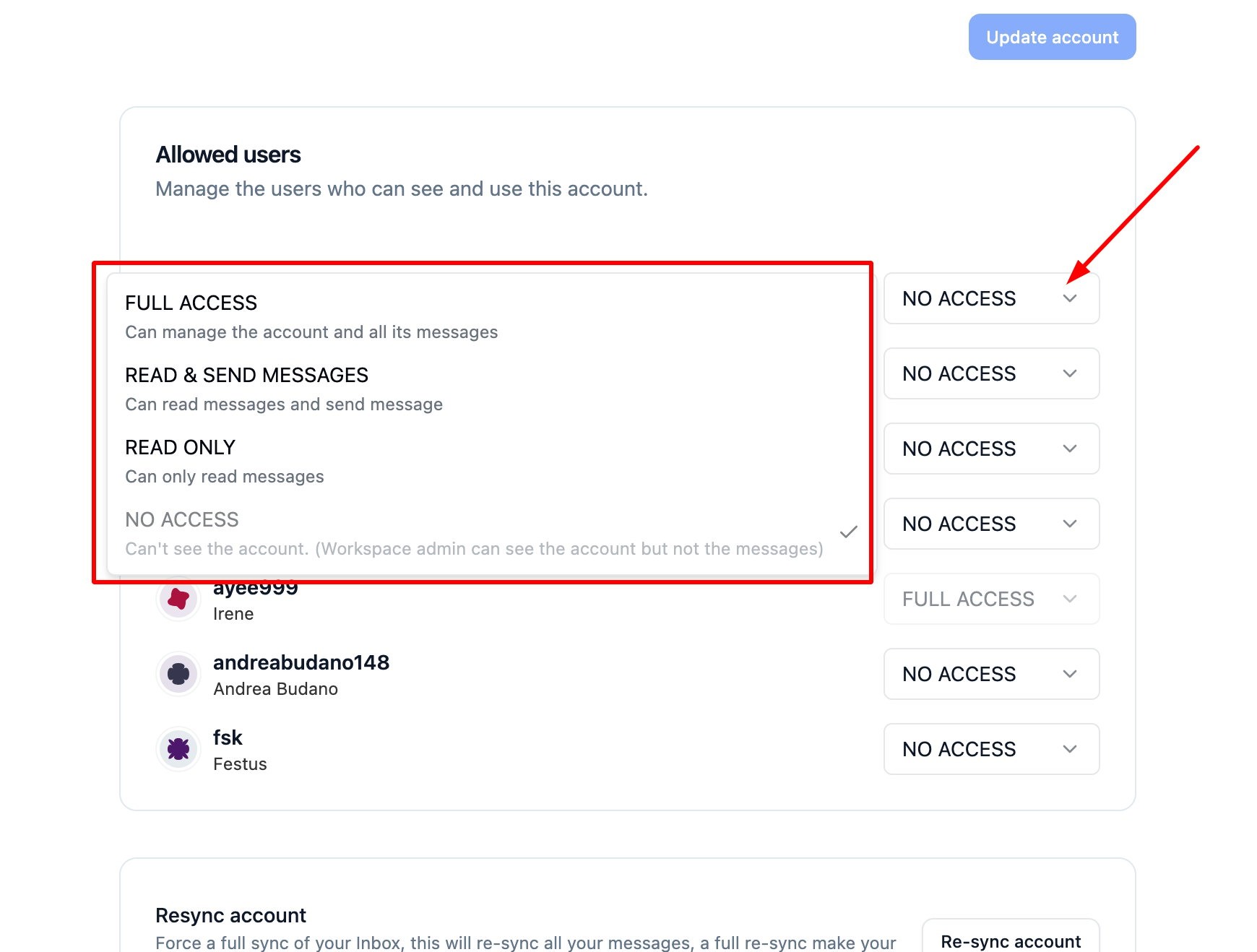
How to Integrate WhatsApp screenshot 3 You can go back to your Account settings and update the access level if needed. How to Integrate WhatsApp screenshot 4 ⚠️ Note: Permission access is set to ‘No Access’ by default.

Related Topics

  • How to integrate other messaging platforms with Breakcold
  • Troubleshooting social account connection issues