How to link your Telegram account?
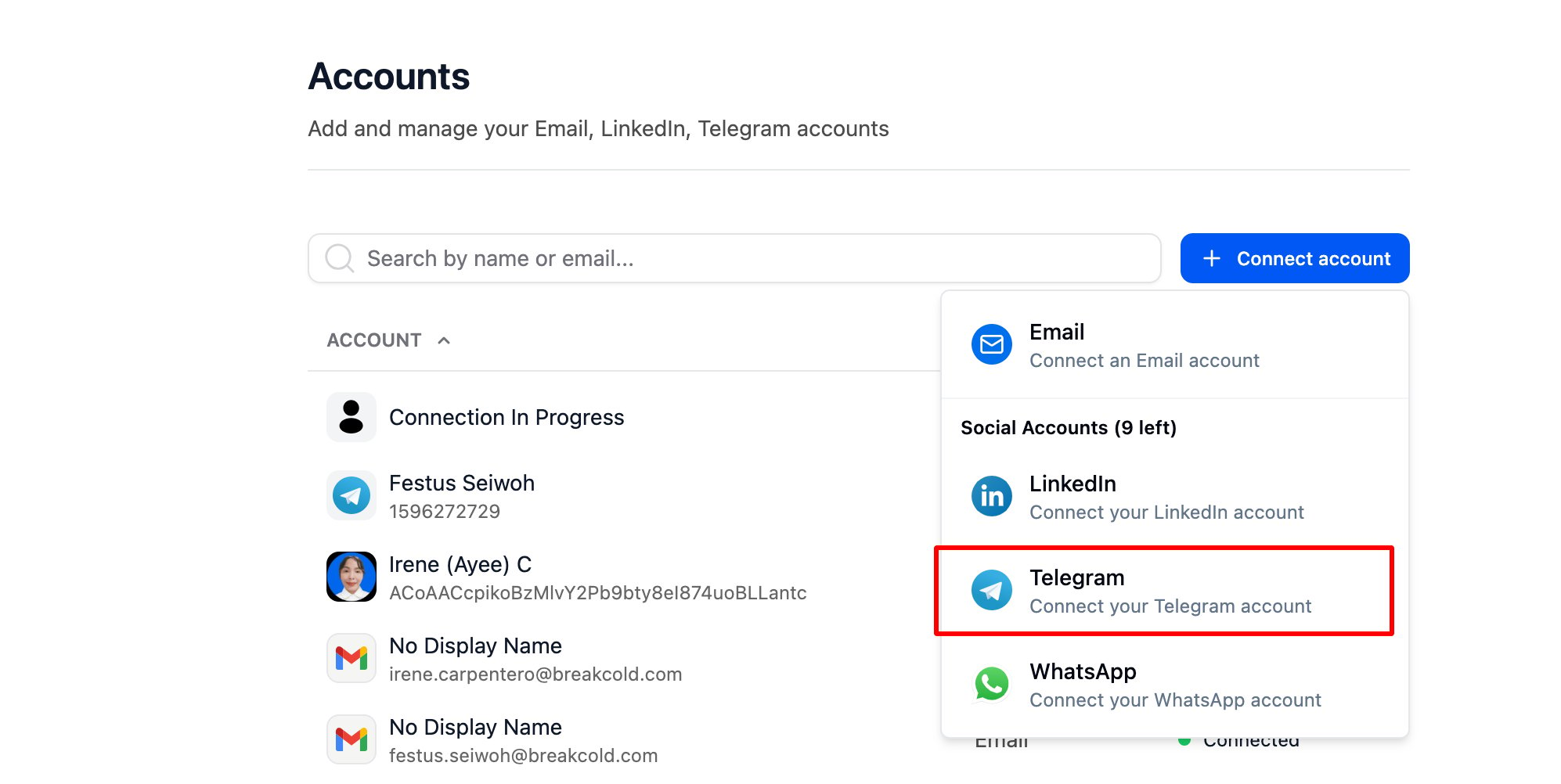
Go to Accounts, then click
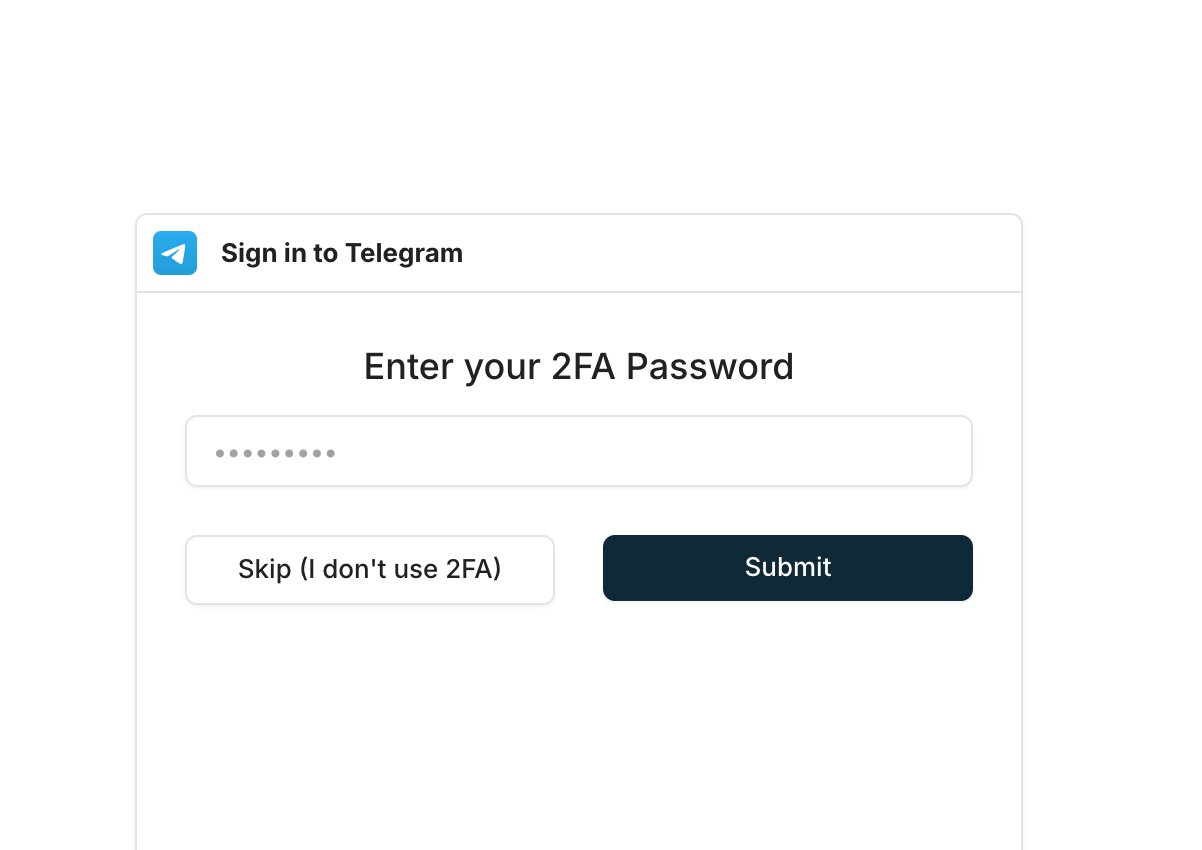
- You’ll be prompted to enter your 2FA password if it’s enabled — or you can click “Skip” if you don’t have it activated.
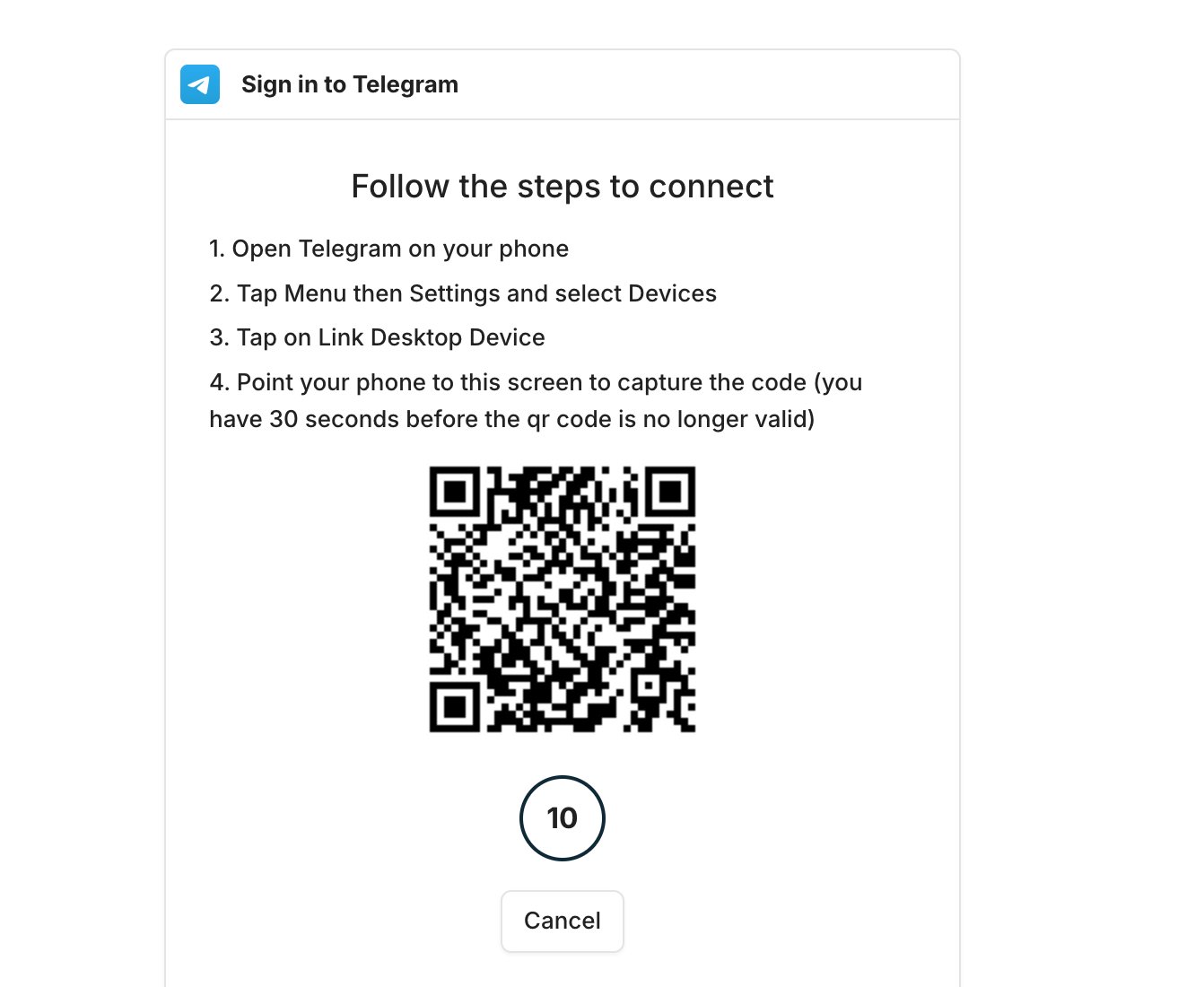
- A QR code will appear — just follow the steps in your Telegram app to complete the setup.
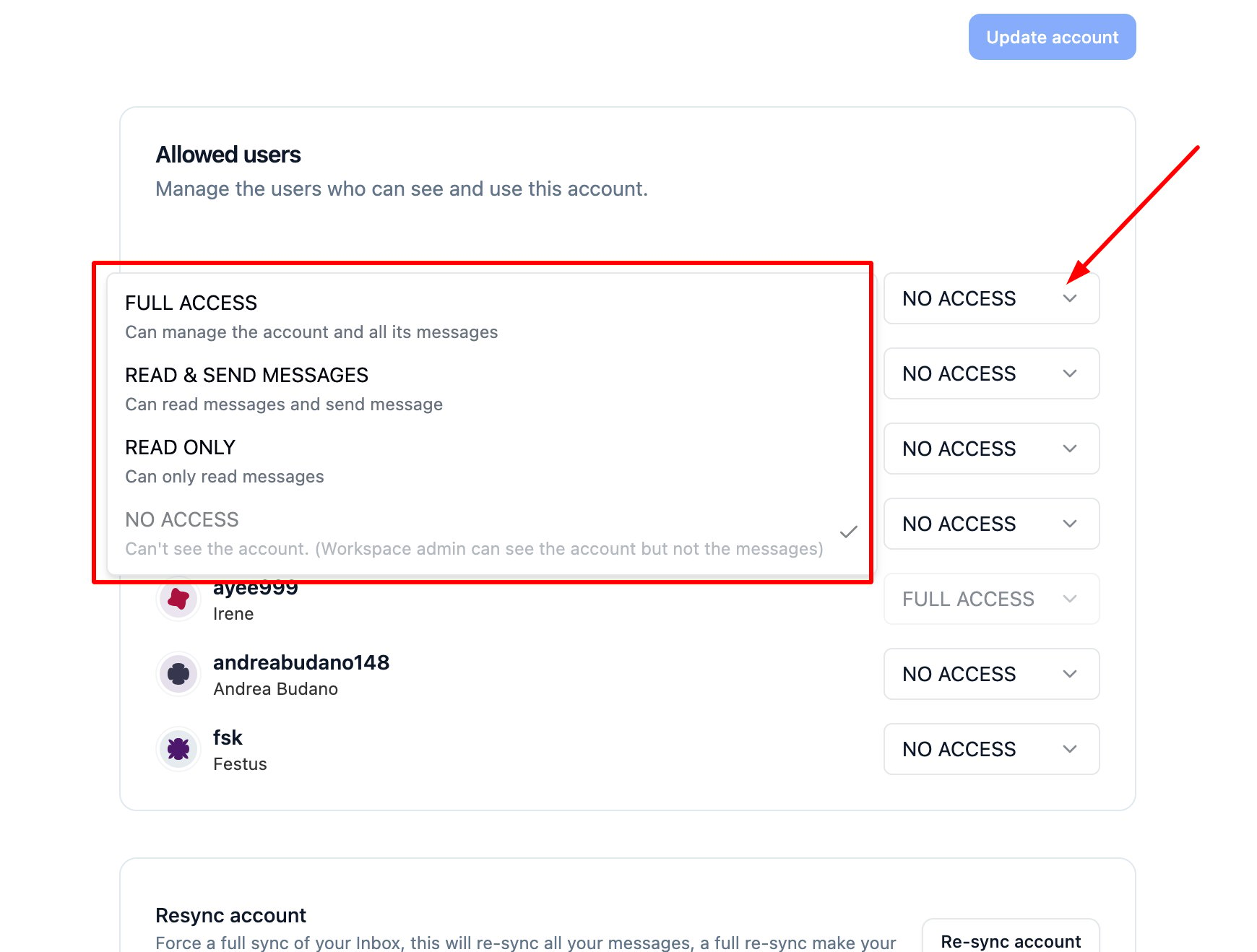
- You can go back to your Account settings and update the access level if needed.