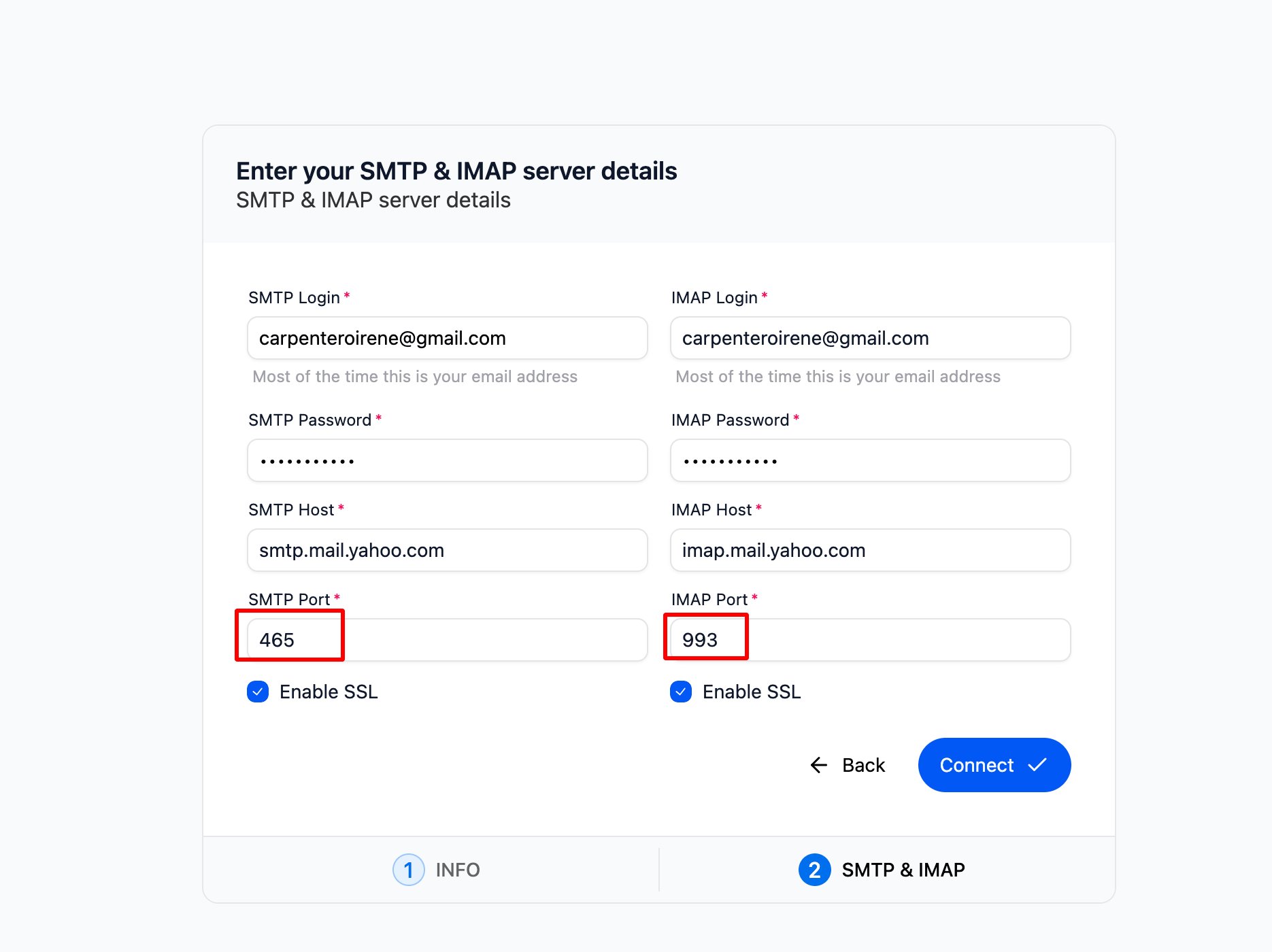
- Not verifying SMTP/IMAP ports and hostnames with your email provider — always check their official settings.
- Using the wrong password — make sure it’s 100% correct, especially if you’re using an app password.
- SMTP: Port 465 with SSL IMAP: Port 993 with SSL
- SMTP: Port 587 with SSL IMAP: Port 993 with SSL
How to Connect an SMTP/IMAP Account
To connect your email account, make sure you:- Use the correct server settings from your email provider.
- Double-check your password — it must be exactly right.
- Tick the SSL box if you’re using secure ports.