Quick Summary
- You can create unlimited sales pipelines each list = one pipeline
- Leads can be added as People or Companies
- A single lead can be in multiple pipelines at once
- The “All Leads” view also has its own pipeline
Create a Sales Pipeline
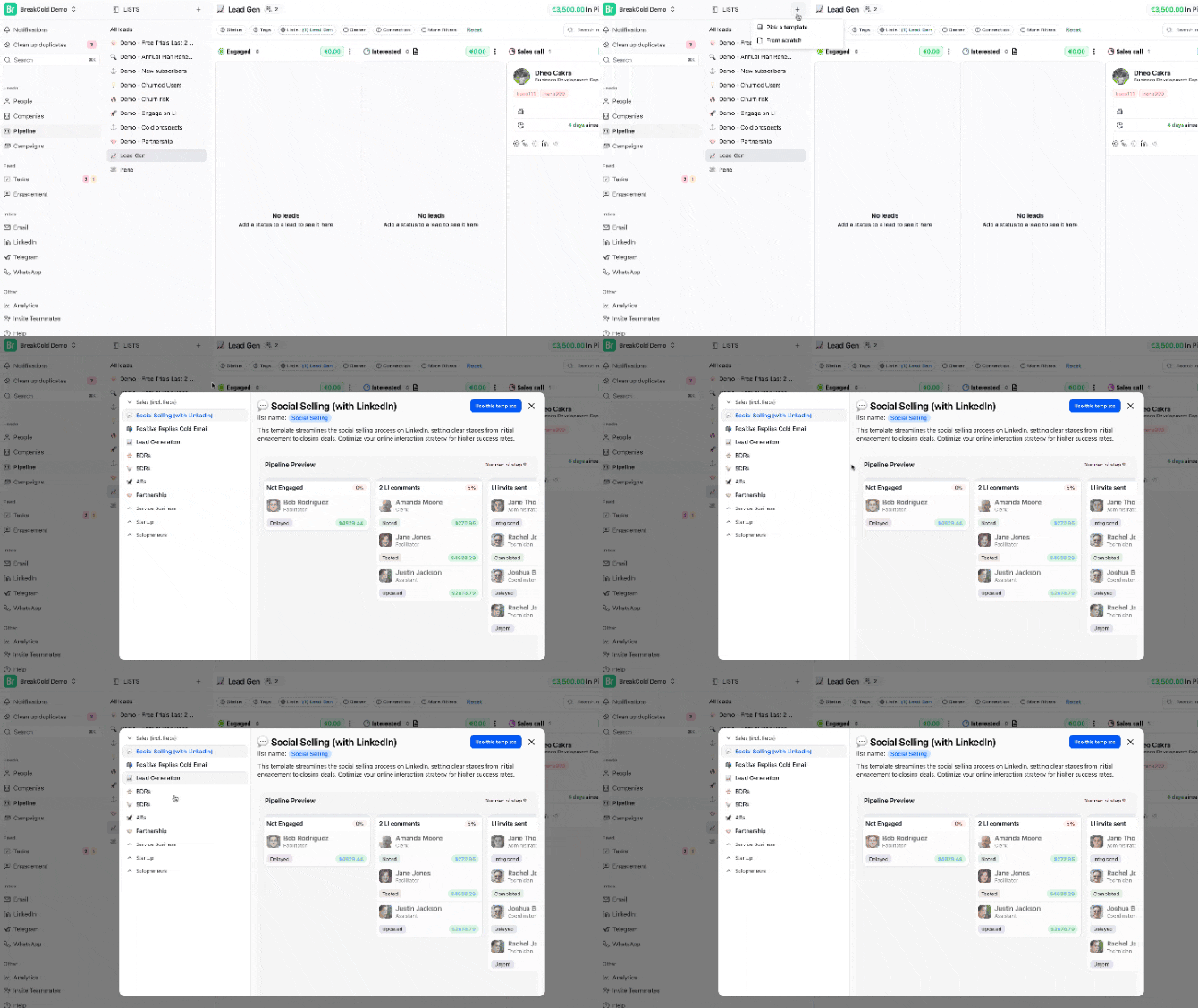
Option 1: From Scratch- Create a new list → Choose “Start from scratch”
- Go to the pipeline tab and set it up manually

- Create a list → Choose a template (22+ options available)