How to Customize Your Pipeline
- Drag and drop columns to rearrange the order of your stages.
- Click Edit to rename a stage or change its color.

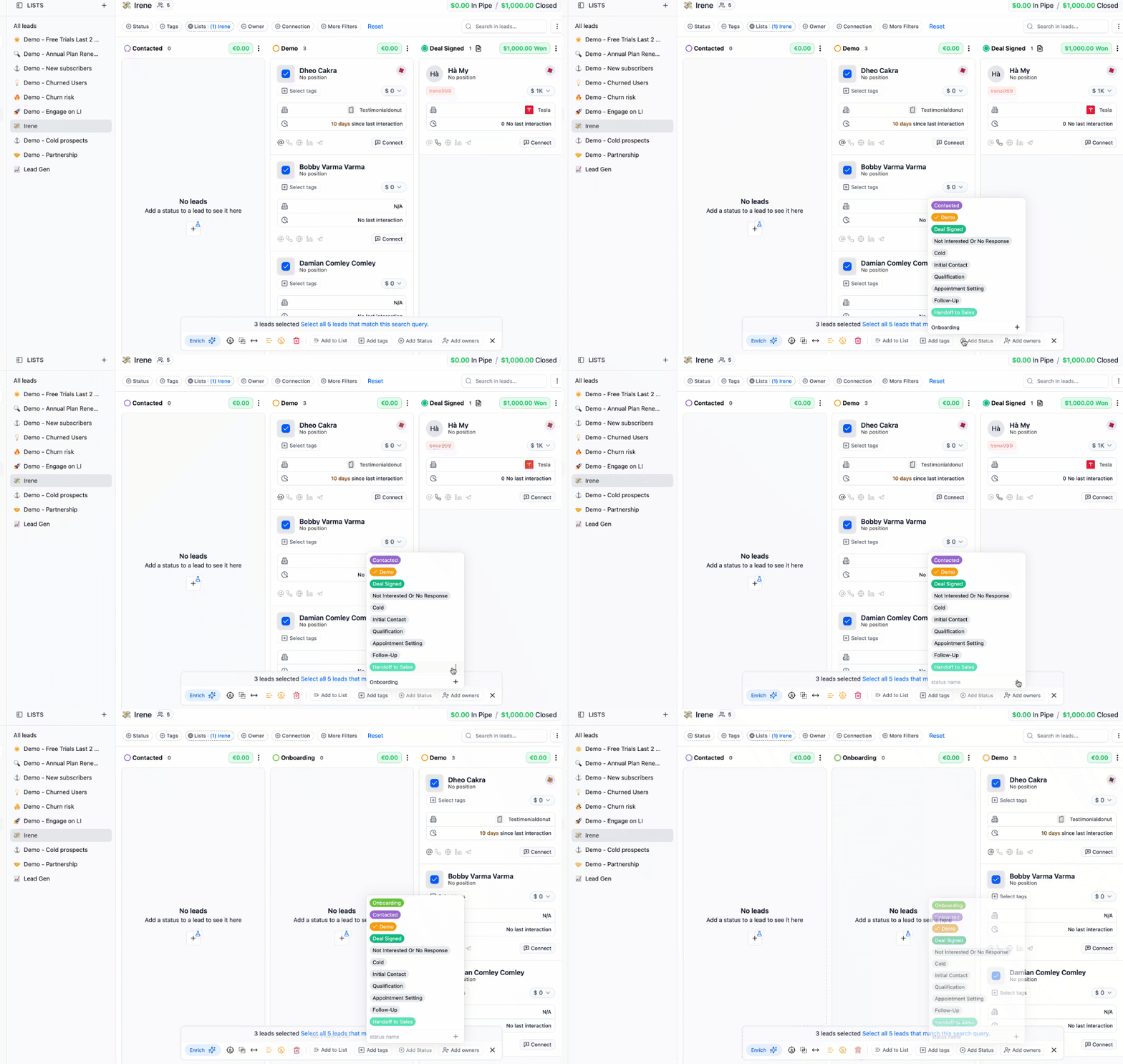
- To add a new stage, click the “+ Add Status” button — you’ll find this under the bulk options. Type the name, then click the plus (+) sign to save. You can also edit pipeline stages directly from the People or Companies views.