Tasks & Notes in Breakcold: What to Remember
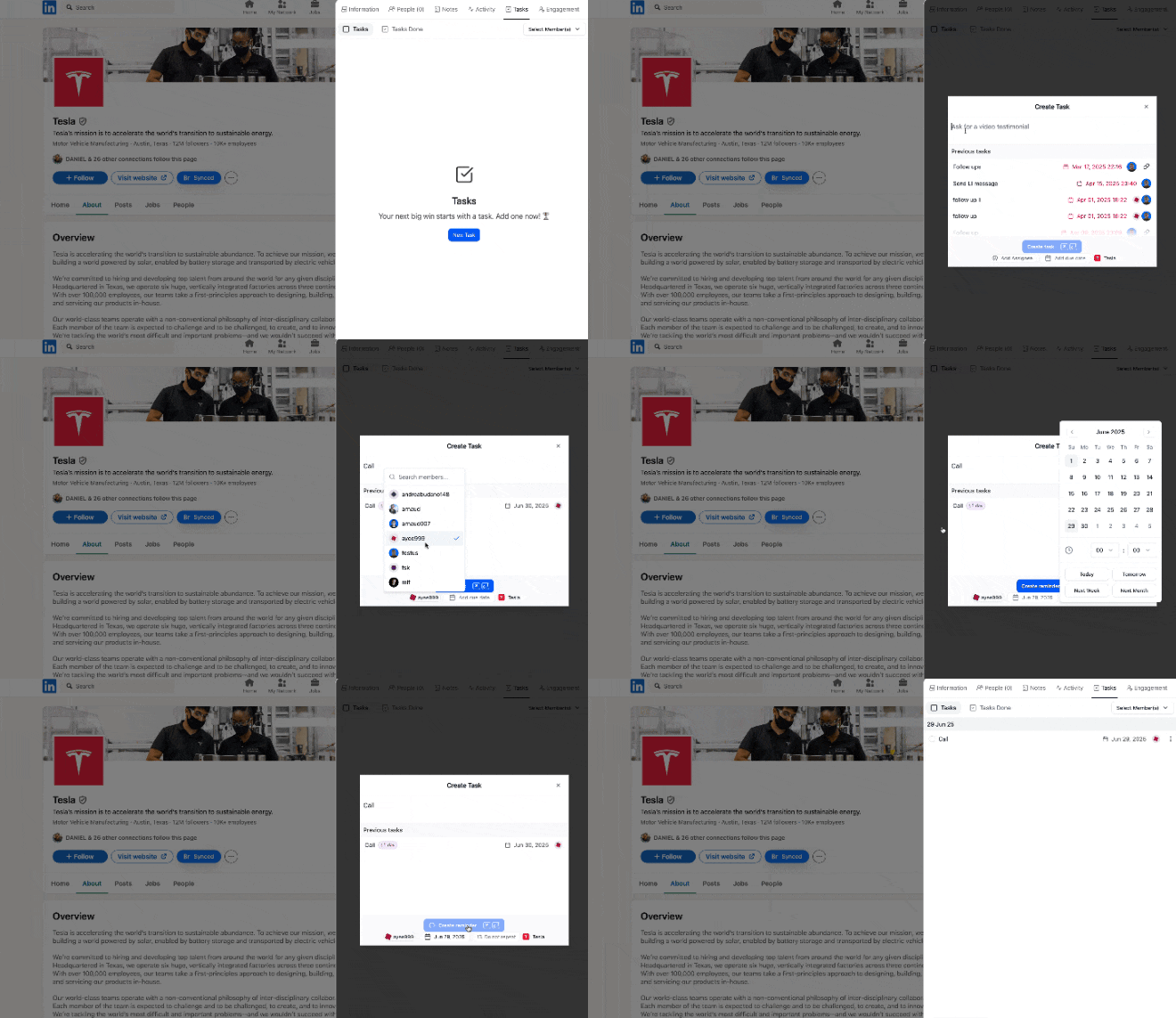
You can assign tasks or notes to yourself or your team. Notifications come via email and inside Breakcold. 💡 Sales-tip 1: Save time by creating tasks/notes directly using our Chrome extension on LinkedIn and other platforms. 💡 Sales-tip 2: Write notes between conversations inside the Email & LinkedIn inbox.How to Create a Task or Reminder
Option 1: Inside Breakcold- Click the task button anywhere in the CRM.
- Set a due date or create recurring tasks (e.g., weekly reminders) using “more options.”

- Use the Chrome extension on LinkedIn or 7+ other platforms.
- Create tasks for leads already in Breakcold or just added via the extension.