

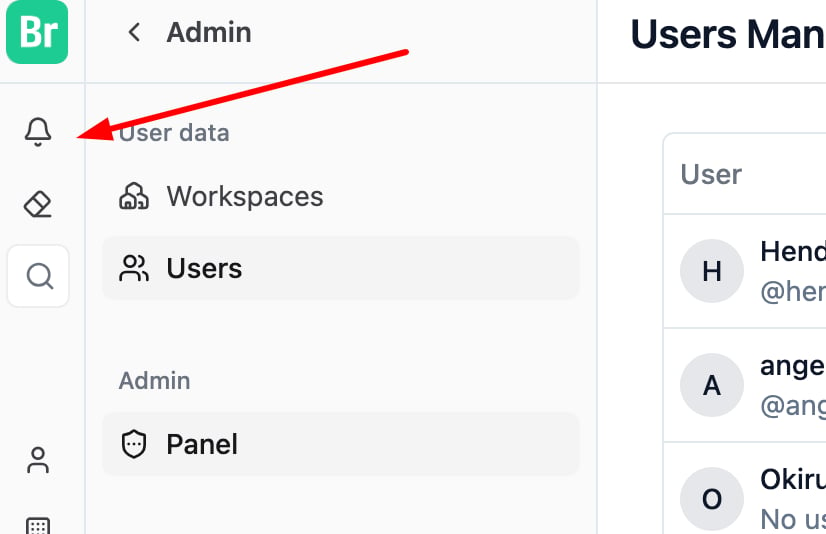
Step 1: Click the Bell icon to open your notification center.
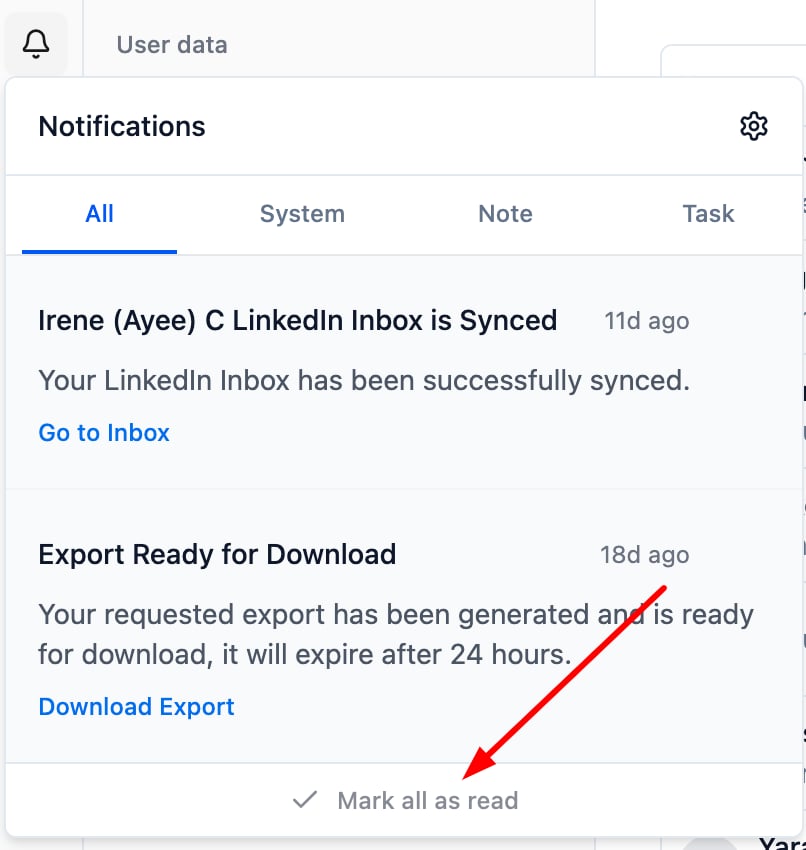
Step 2: Click “Mark All as Read” to clear all unread notifications at once.
💡 Tips for Managing Notifications
- Use “Mark All as Read” regularly to maintain a clean workspace and reduce visual clutter.
- Review system alerts first before clearing everything to avoid missing important updates.
- Archive less relevant notifications after marking them read for better organization.
- Develop a weekly habit of reviewing and clearing notifications, especially in busy teams.
- If notifications don’t clear, try refreshing the page, logging out, or clearing your browser cache.