1. Search LinkedIn Posts by Keywords
- You can search for multiple keywords at the same time.
- Search within the engagement section, lead profiles, or your Breakcold inbox.

2. Use Filters to Narrow Your Search
- Filter posts by date, such as “Last 7 Days”.
- Use filters like tags, lead owner, and lead scoring to find the right leads.
- Combine multiple filters to create precise segments.

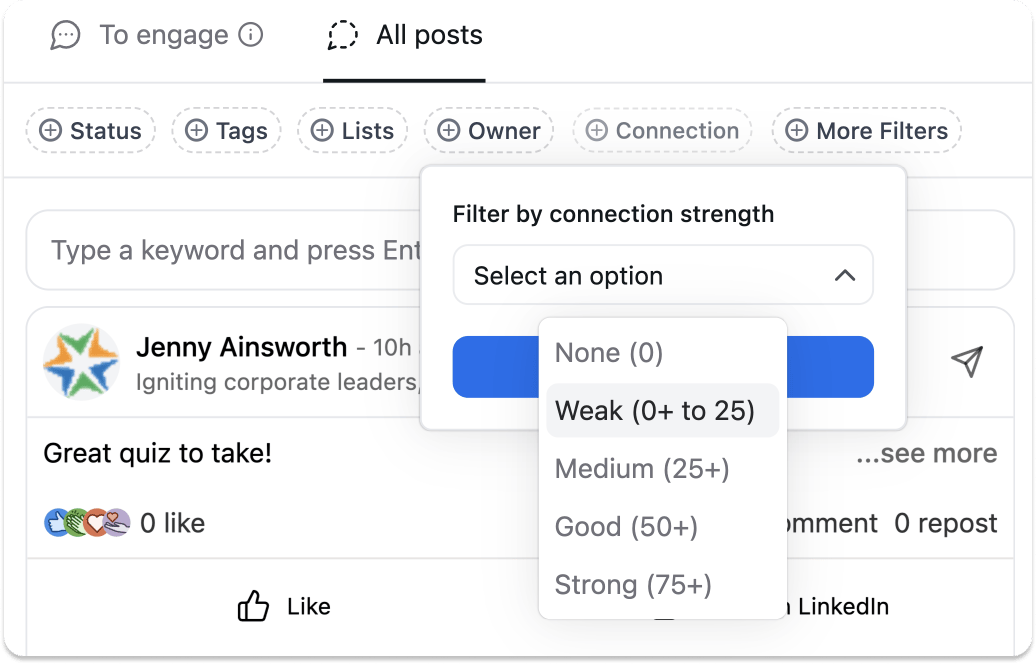
Feature Preview