

- This will reveal the lead’s detailed profile within the extension.
- You’ll be able to:
- View and add notes
- See activity history
- Create and manage tasks
- Use the track button to follow LinkedIn posts
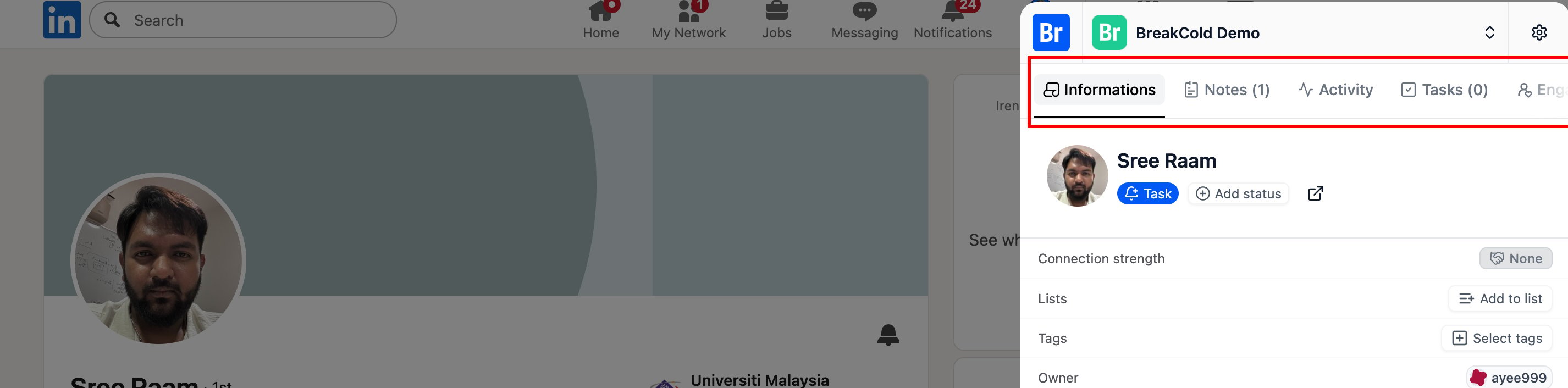
To access all lead-related information within the Breakcold Chrome Extension including notes, activity history, tasks, and the tracking button for LinkedIn posts, you’ll need to…