LinkedIn & Extension
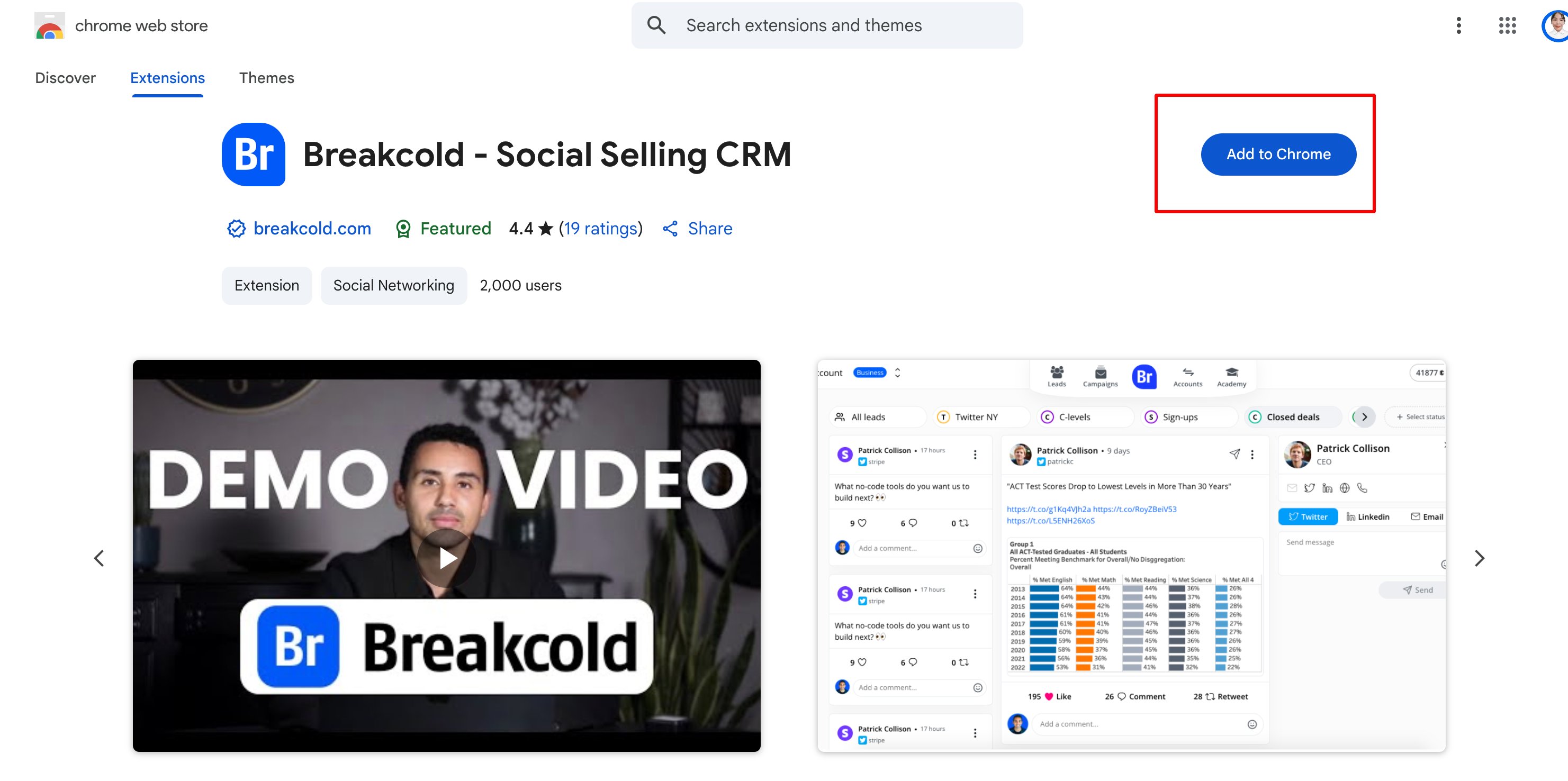
How do I install the Breakcold LinkedIn extension?
You can add it from the Chrome Web Store by searching “Breakcold” and clicking “Add to Chrome.”


Previous
How Do I View Lead Details, Notes, Activity, Tasks, and Track LinkedIn Posts in the Breakcold Chrome Extension?To access all lead-related information within the Breakcold Chrome Extension including notes, activity history, tasks, and the tracking button for LinkedIn posts, you’ll need to...
Next