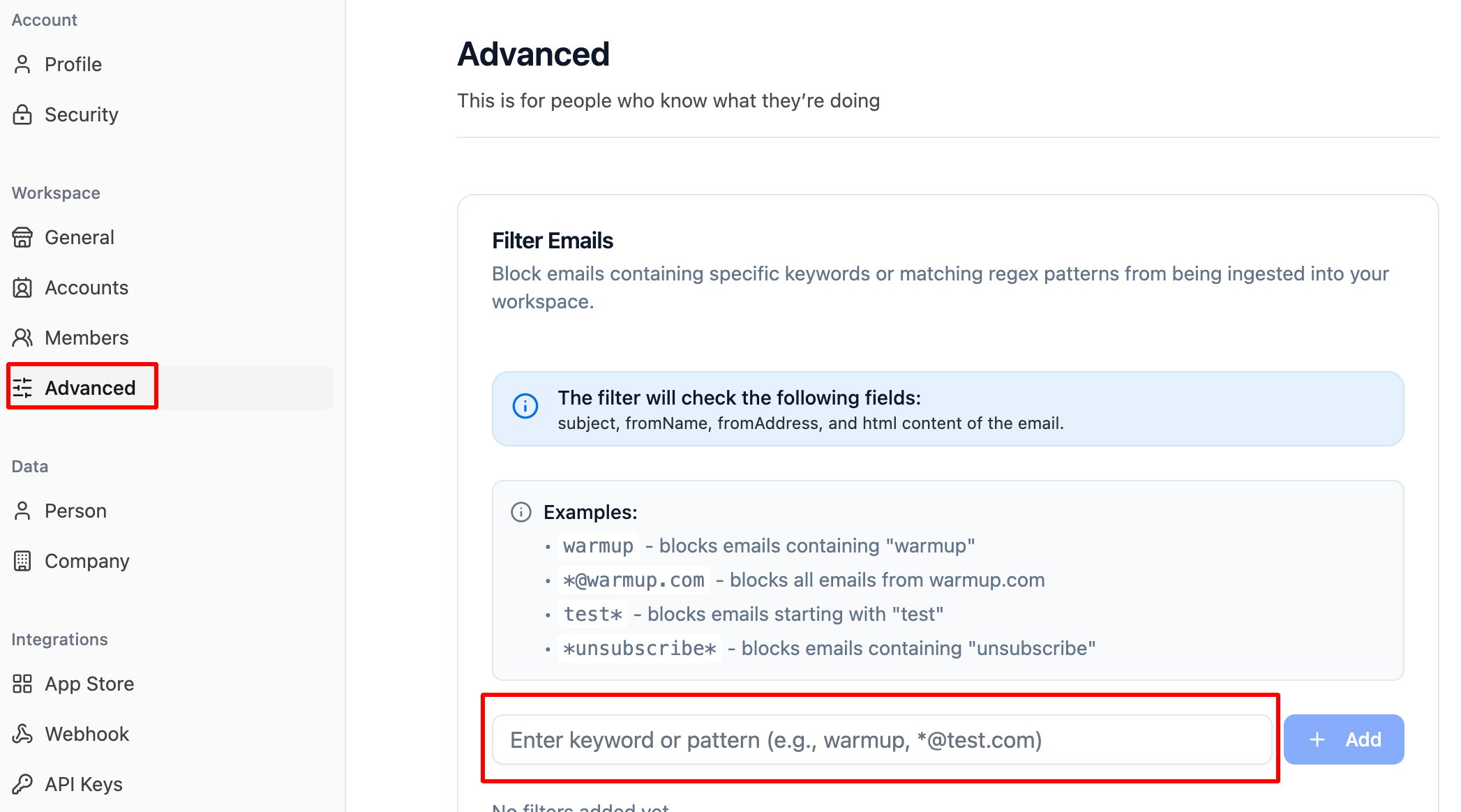
How can I filter emails from being ingested into my workspace?
To set up filters, go to Settings > Advanced > Email Filtering. You can block emails by setting filters based on specific keywords or regex patterns. These filters will apply to the following email fields:- Subject
- From Name
- From Address
- Email HTML content
warmup— blocks any email containing “warmup”*@warmup.com— blocks all emails sent from warmup.comtest*— blocks emails starting with “test”*unsubscribe*— blocks emails containing the word “unsubscribe”