

What Is Quick Search?
Breakcold’s Quick Search is a unified search bar that helps you quickly locate key items across the platform without switching views or menus. It’s designed to save time and keep your workflow smooth.What You Can Search
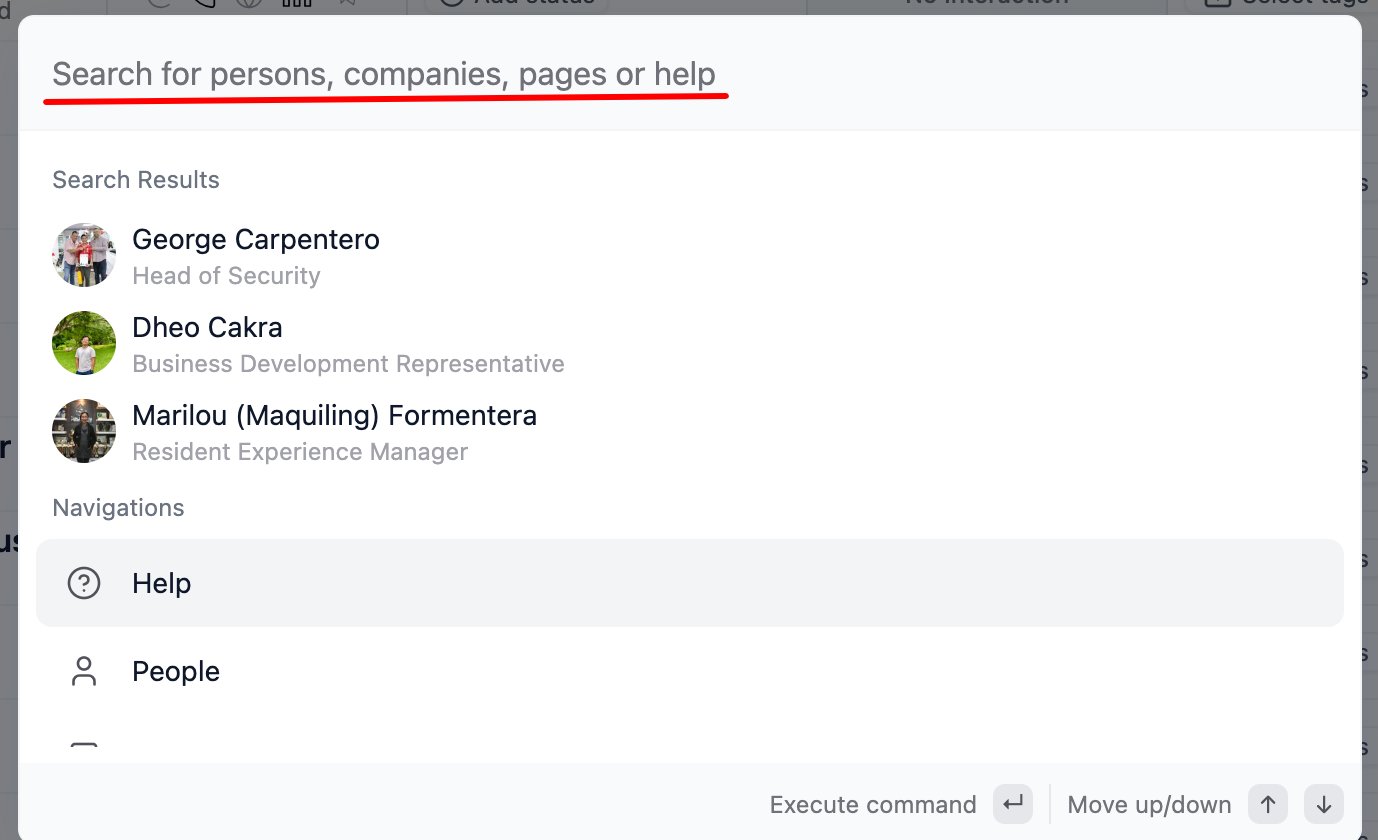
- People – Find contacts by name, email, or LinkedIn handle
- Companies – Search for companies or accounts in your CRM
- Pages – Jump to internal features or navigation pages quickly
- Help Articles – Get instant answers from the knowledge base
How It Works
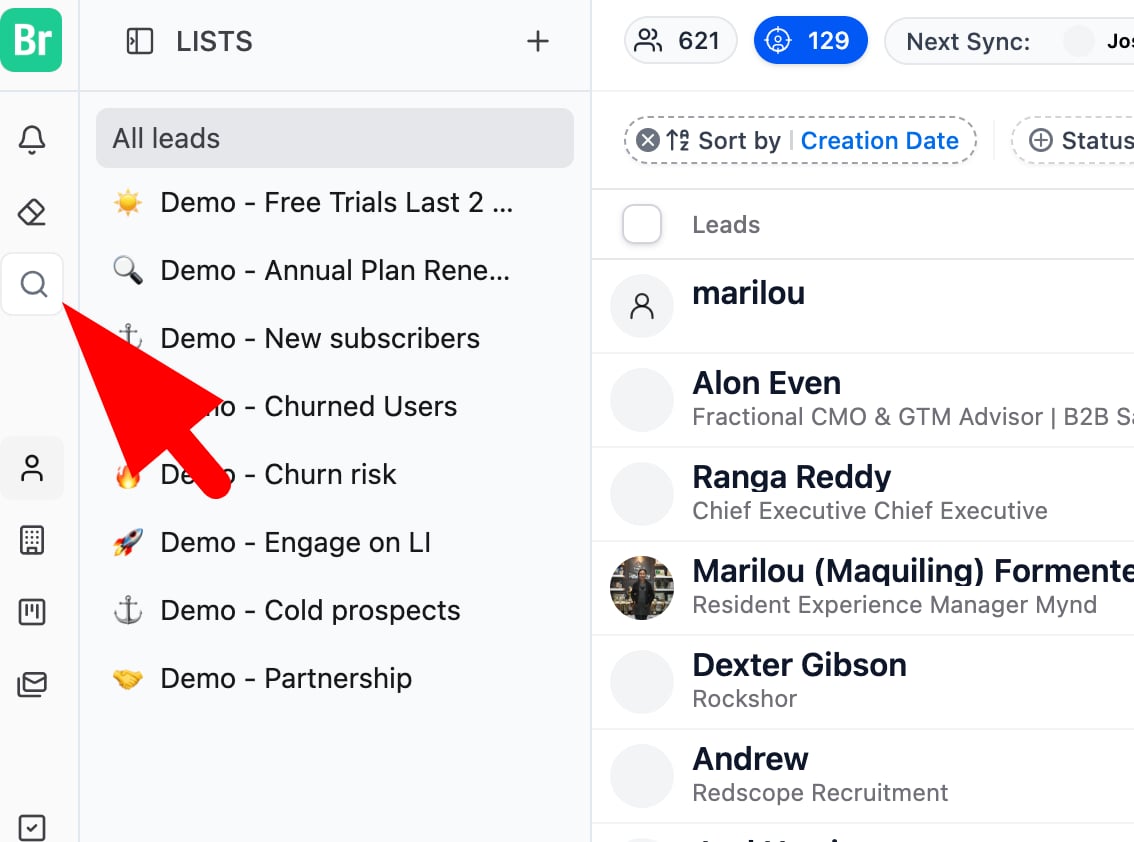
- Click on the search icon in the sidebar or use a shortcut Command + K
- Start typing and results appear instantly
- Select any result to jump directly to that contact, company, page, or support doc
💡 Tip: Quick Search is your go-to tool when you need to move fast, use it to pull up a lead, access a page, or find support without interrupting your flow.