> ## Documentation Index
> Fetch the complete documentation index at: https://developer.breakcold.com/llms.txt
> Use this file to discover all available pages before exploring further.
# What is Notifications & Preferences?
> At Breakcold, notifications are a key feature designed to keep you informed about important events and updates related to your contacts, tasks, and system activities.
At Breakcold, notifications are a key feature designed to keep you informed about important events and updates related to your contacts, tasks, and system activities. They ensure you stay connected and can take timely action within the platform.
## Breakcold notifications come in two main types:
* **In-App Notifications:** These alerts appear directly within the Breakcold app, providing real-time updates as you work.
* **Email Notifications:** Sent to your registered email address, these keep you informed even when you’re away from the app.
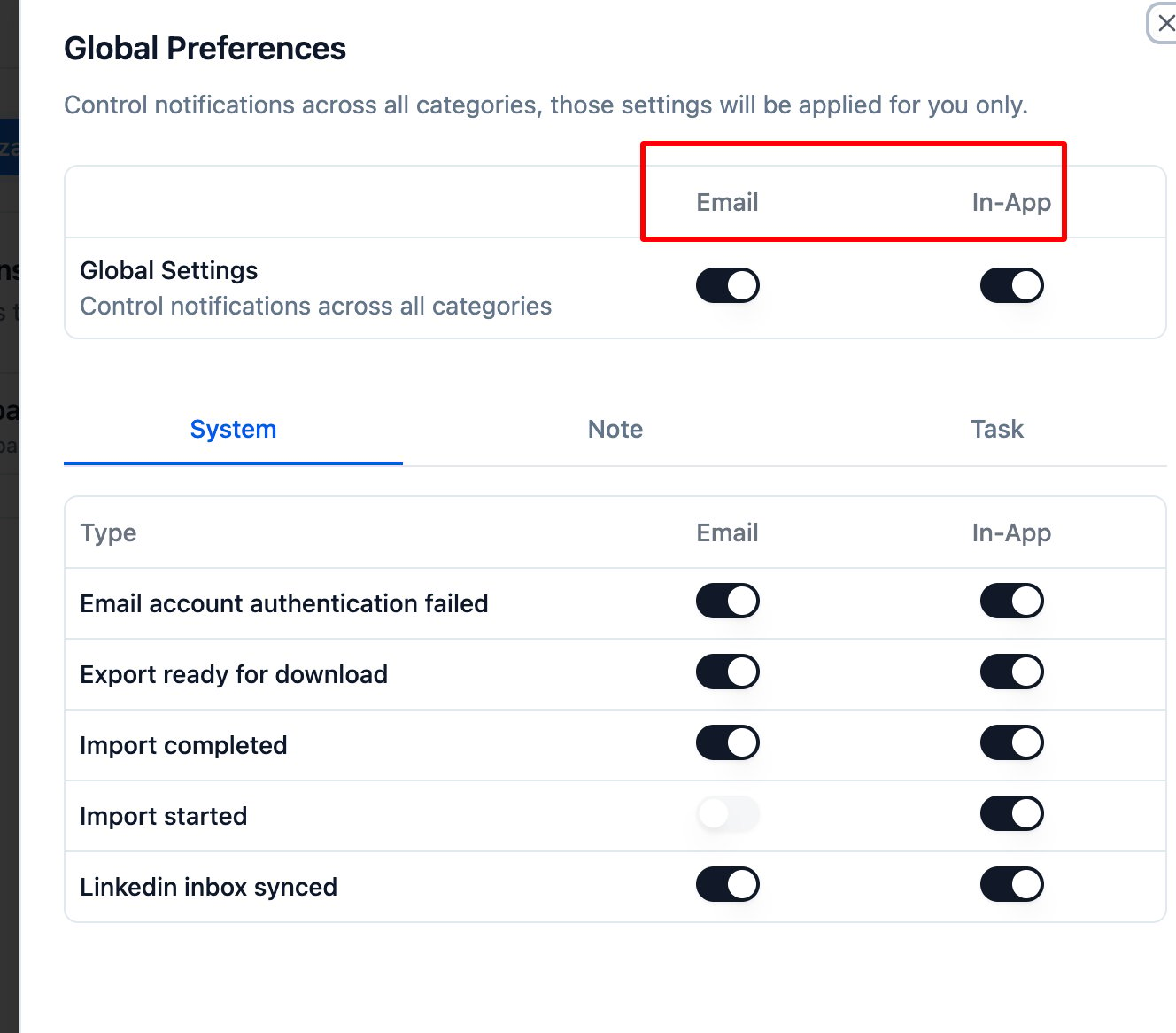 ## Common Breakcold Notifications Include:
**System Notifications:**
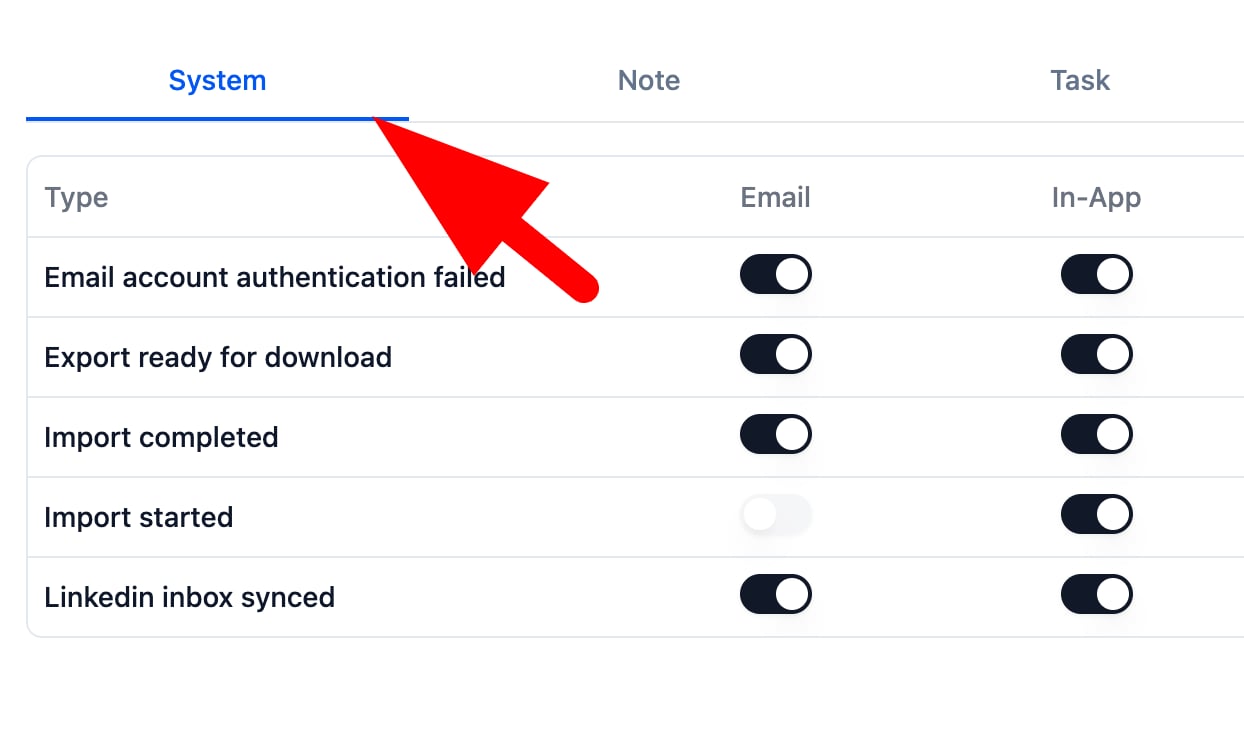
Notifications about system-related events such as email account authentication failures, import completions, export readiness, and LinkedIn inbox syncs.
## Common Breakcold Notifications Include:
**System Notifications:**
Notifications about system-related events such as email account authentication failures, import completions, export readiness, and LinkedIn inbox syncs.
 **User-Specific Notifications:**
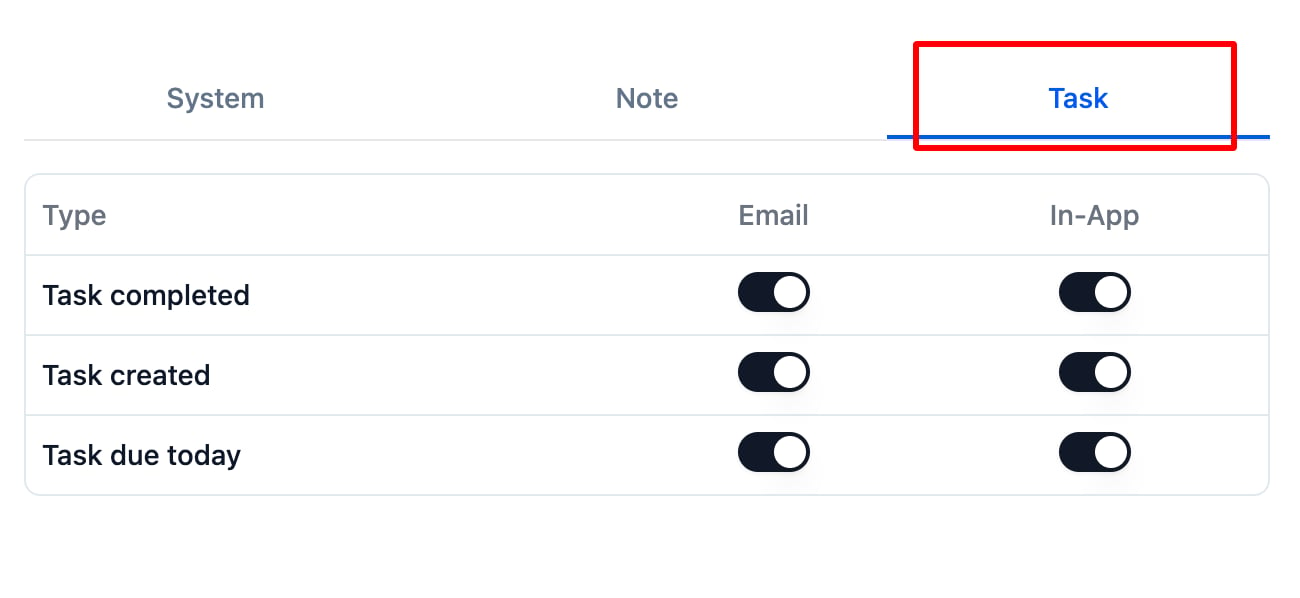
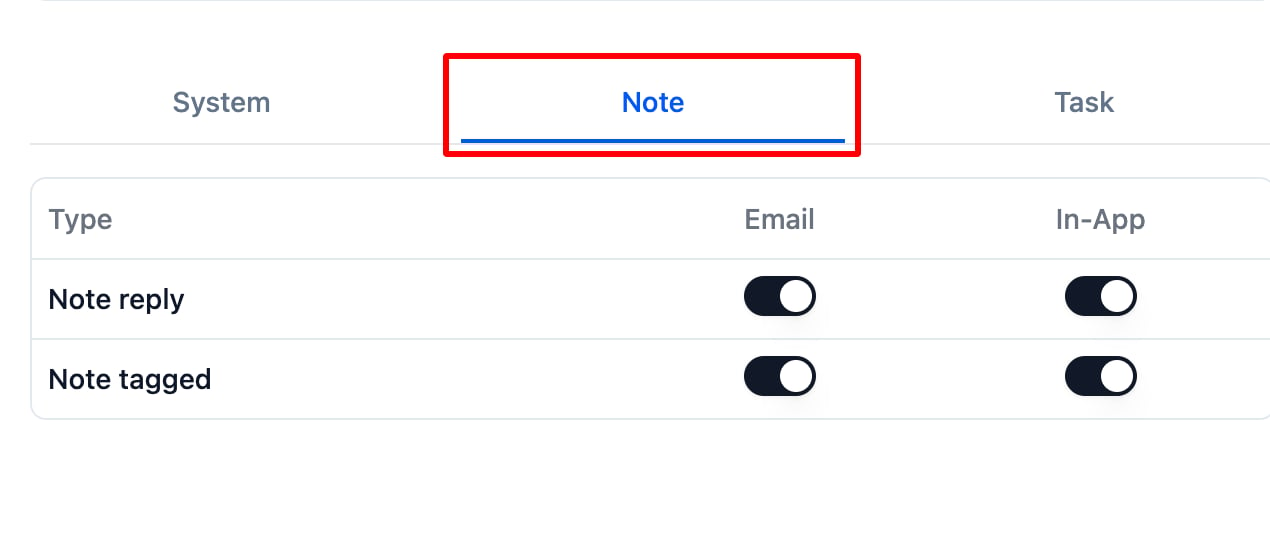
Alerts tied to your activity, including when you receive replies to notes, are tagged in notes, or when tasks are created, completed, or nearing their due dates.
**User-Specific Notifications:**
Alerts tied to your activity, including when you receive replies to notes, are tagged in notes, or when tasks are created, completed, or nearing their due dates.
 By managing your notification preferences in Breakcold, you can stay organized and responsive, focusing on what matters most to you.