> ## Documentation Index
> Fetch the complete documentation index at: https://developer.breakcold.com/llms.txt
> Use this file to discover all available pages before exploring further.
# What are the bulk functions available in the pipeline?
> What are the bulk functions available in the pipeline?
## What are the bulk functions available in the pipeline?
You can perform bulk actions such as **Enrich**, **Track (Vision)**, **Untrack**, **Move to list**, **Delete**, **Add to list**, **Add tags**, **Add status**, and **Assign owners**.
 To enable the bulk function, **click the vertical 3 dots** (⋮) from any pipeline status, then **select all** — the bulk actions menu will pop up.
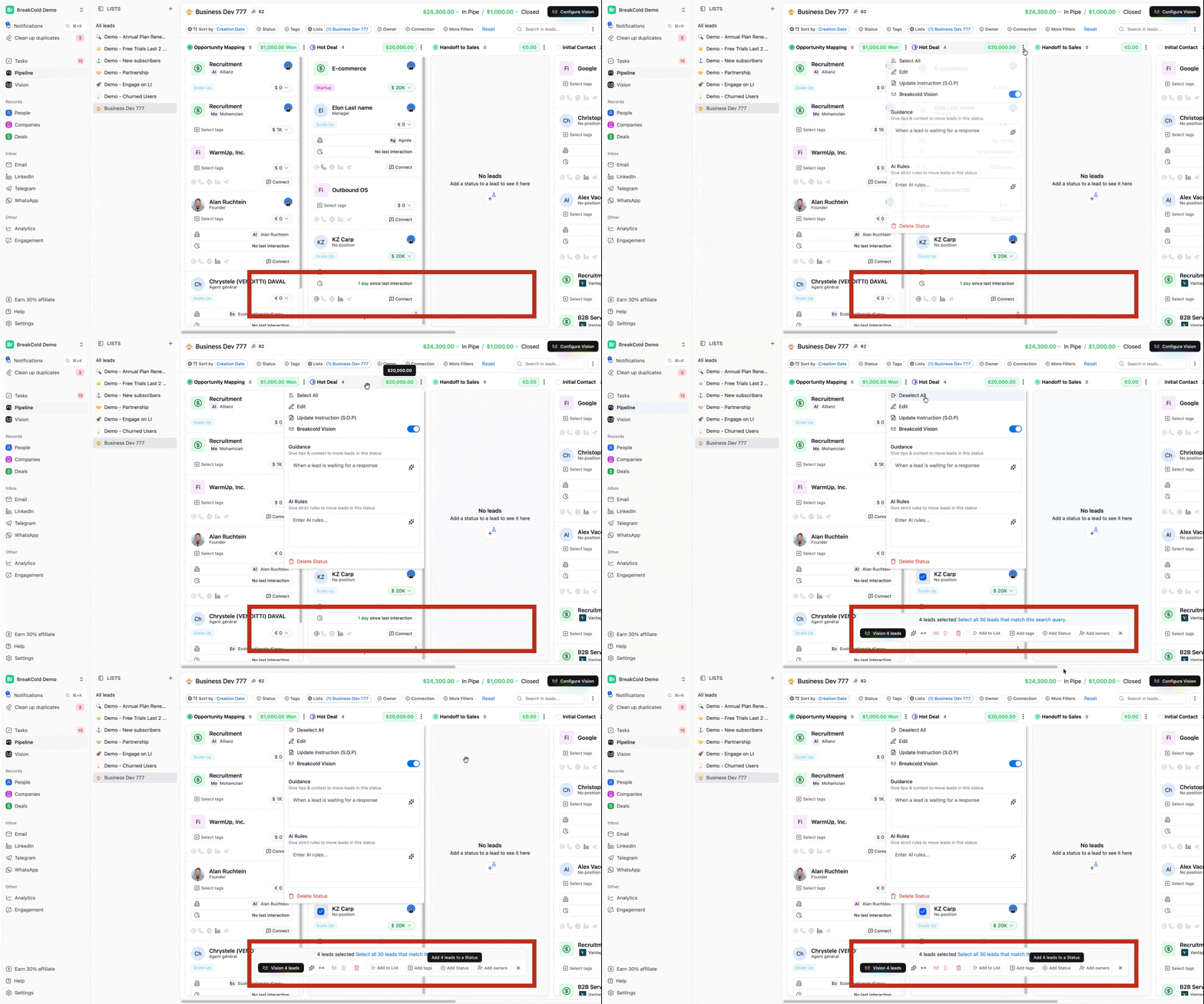 These bulk functions help you **save time and manage your leads more efficiently**, especially when updating or organizing multiple leads at once.