> ## Documentation Index
> Fetch the complete documentation index at: https://developer.breakcold.com/llms.txt
> Use this file to discover all available pages before exploring further.
# How to Add a Deal in Breakcold
> You can add a deal in two easy ways: 1. From the Deals section Click “Deals” on the left menu.
You can add a deal in two easy ways:
1. From the Deals section
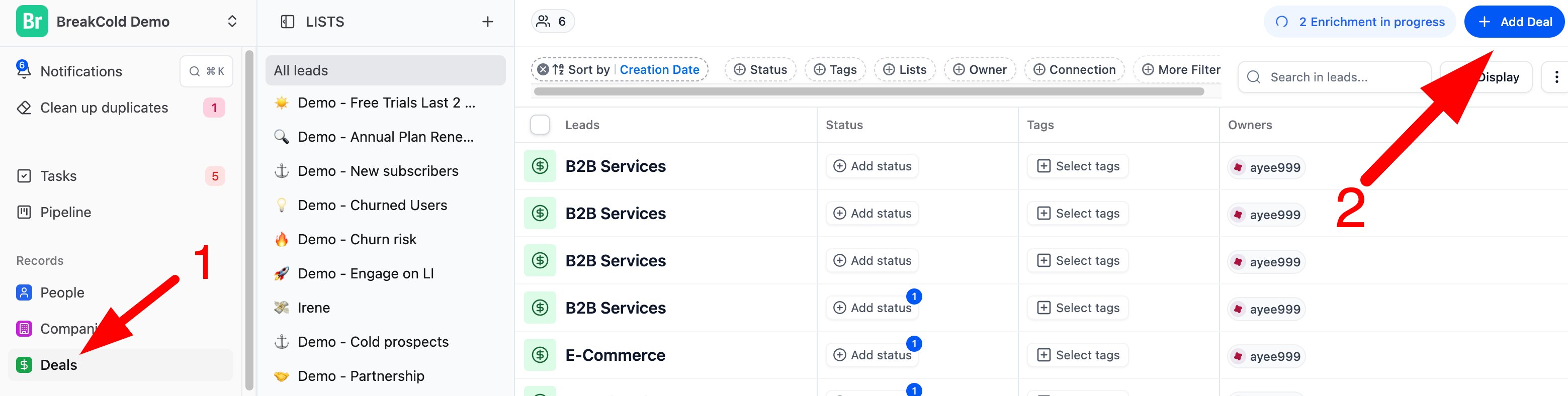
* Click “Deals” on the left menu.
* Then click the blue “+ Add Deal” button at the top right.
* Fill in the deal details and hit Save.
 2. From a Lead or Company profile
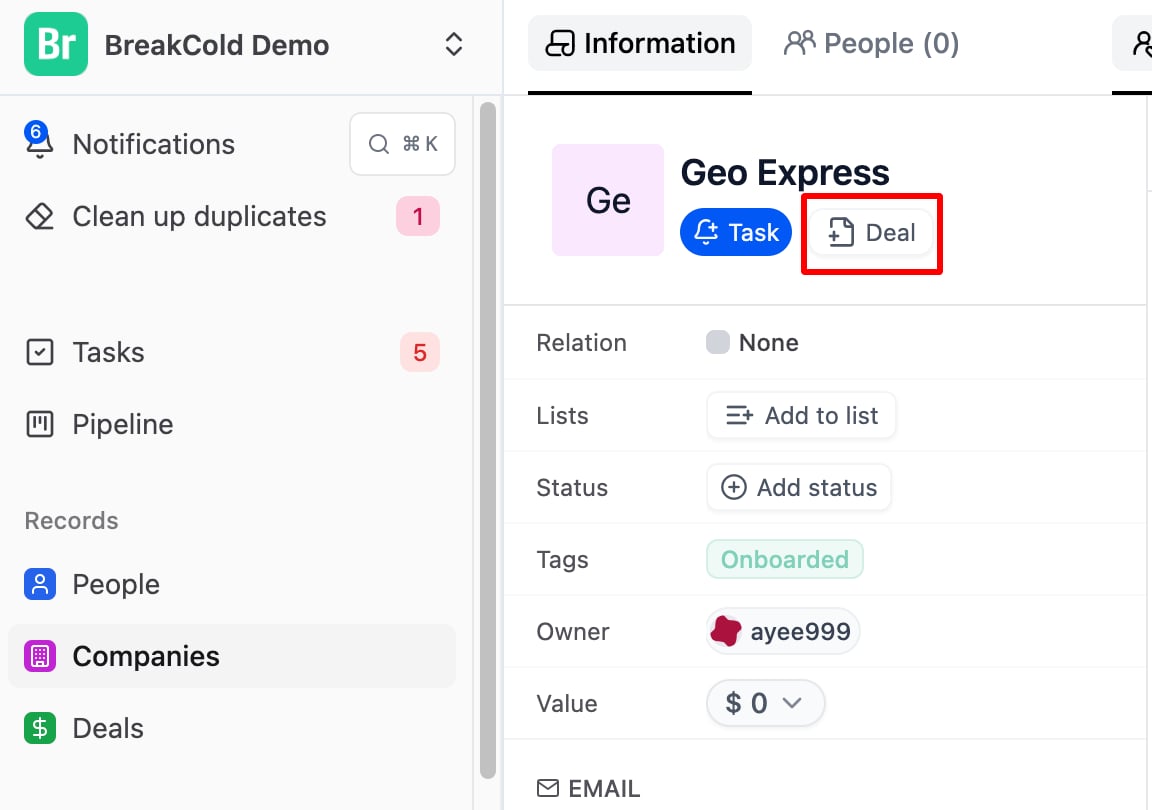
* Open a lead or company profile.
* Click the “+ Task / Add Deal” button inside.
* Fill in the info and it will link directly to that lead or company.
2. From a Lead or Company profile
* Open a lead or company profile.
* Click the “+ Task / Add Deal” button inside.
* Fill in the info and it will link directly to that lead or company.