> ## Documentation Index
> Fetch the complete documentation index at: https://developer.breakcold.com/llms.txt
> Use this file to discover all available pages before exploring further.
# native CRM integration: TRIGIFY for social signals 🎉
> Many customers are Trigify power users, so we've joined forces with Trigify !
Many customers are Trigify power users, so we've joined forces with Trigify ! They built an awesome Breakcold integration, just the beginning of a long partnership!
[Watch demo video](https://www.youtube.com/watch?v=fVcjJuwYXAA)
[ ](https://www.youtube.com/watch?v=fVcjJuwYXAA)
## 1. Why is this integration great?
* Trigify helps you turn your likers and commenters into leadsd
* Trigify helps you detect social signals on your leads (eg. job detection change, keywords used in posts & more)
* Using Trigify you can find new leads and pushing them to Breakcold (1) and do social listening on existing leads (2)
* The concept of Trigify is still very new so I will make sure that in the coming weeks you guys will have a whole in-depth tutorial because this software is fireee.
](https://www.youtube.com/watch?v=fVcjJuwYXAA)
## 1. Why is this integration great?
* Trigify helps you turn your likers and commenters into leadsd
* Trigify helps you detect social signals on your leads (eg. job detection change, keywords used in posts & more)
* Using Trigify you can find new leads and pushing them to Breakcold (1) and do social listening on existing leads (2)
* The concept of Trigify is still very new so I will make sure that in the coming weeks you guys will have a whole in-depth tutorial because this software is fireee.
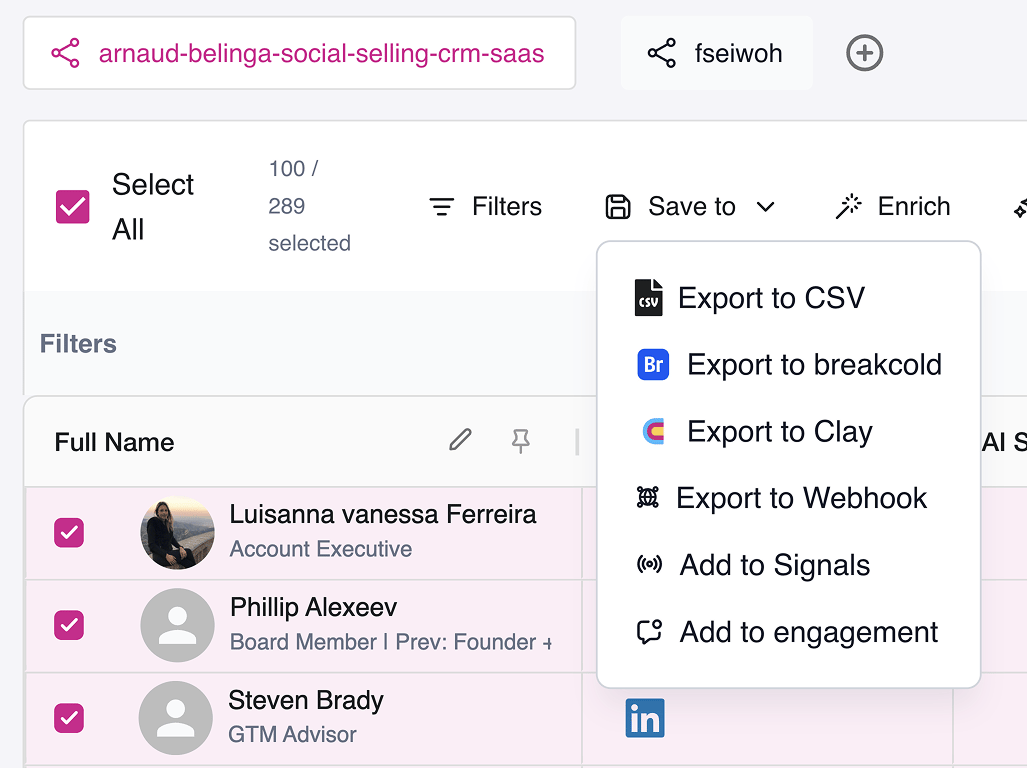 ## 2. How to use this integration?
You can find the Trigify application in the AppStore [here](https://app.breakcold.com/settings/applications/6357e1cd-e324-4742-ba07-8ad7157bb646?page=0)
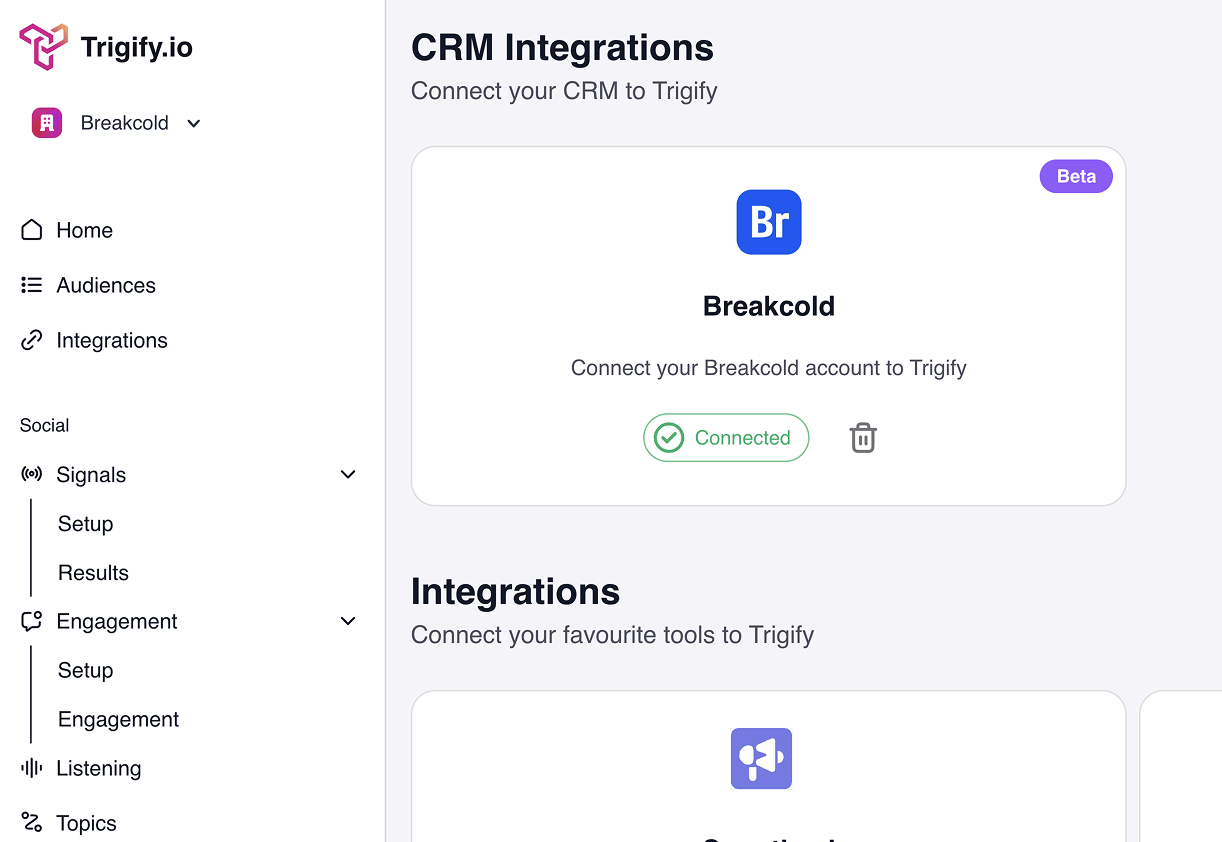
1. Go to settings and take your API key here
2. Login to Trigify => [https://www.trigify.io/](https://www.trigify.io/)
3. Inside Trigify go to integration
4. Choose Breakcold and copy paste your API key
5. Now you can push leads to Breakcold from Trigify
## 2. How to use this integration?
You can find the Trigify application in the AppStore [here](https://app.breakcold.com/settings/applications/6357e1cd-e324-4742-ba07-8ad7157bb646?page=0)
1. Go to settings and take your API key here
2. Login to Trigify => [https://www.trigify.io/](https://www.trigify.io/)
3. Inside Trigify go to integration
4. Choose Breakcold and copy paste your API key
5. Now you can push leads to Breakcold from Trigify
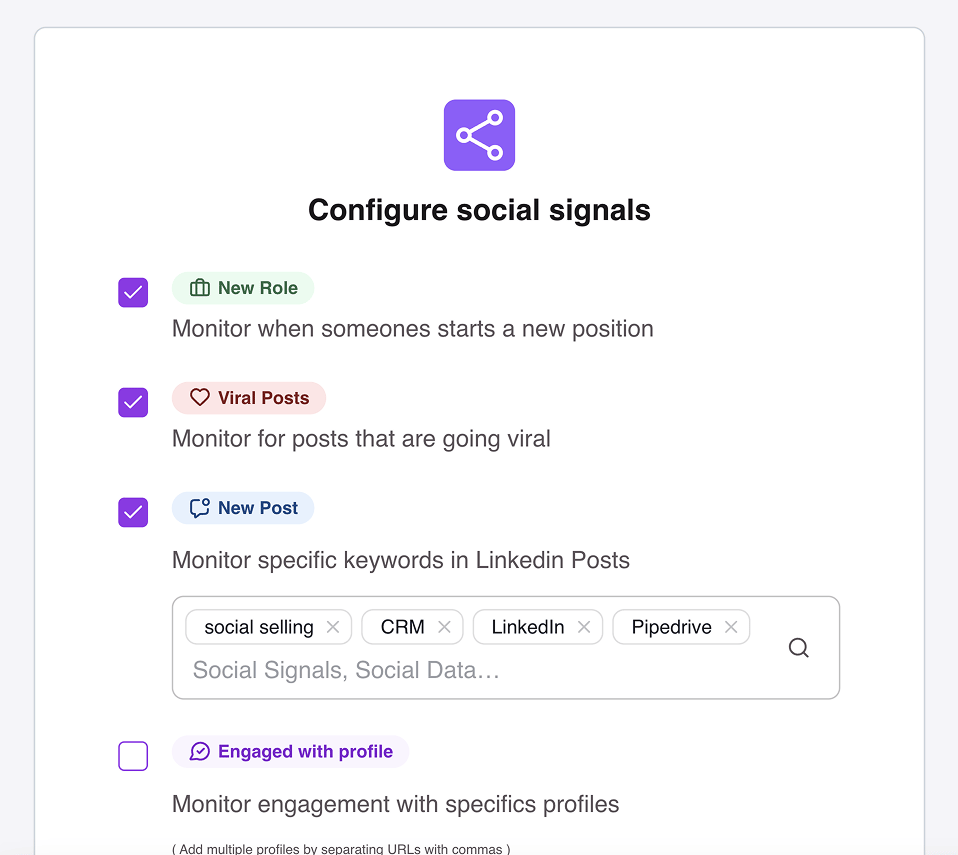
 ## 3. Use cases of Trigify before pushing to Breakcold
You can upload a list of leads and monitor some social signals like:
* new posts
* job change
* viral posts, etc
## 3. Use cases of Trigify before pushing to Breakcold
You can upload a list of leads and monitor some social signals like:
* new posts
* job change
* viral posts, etc
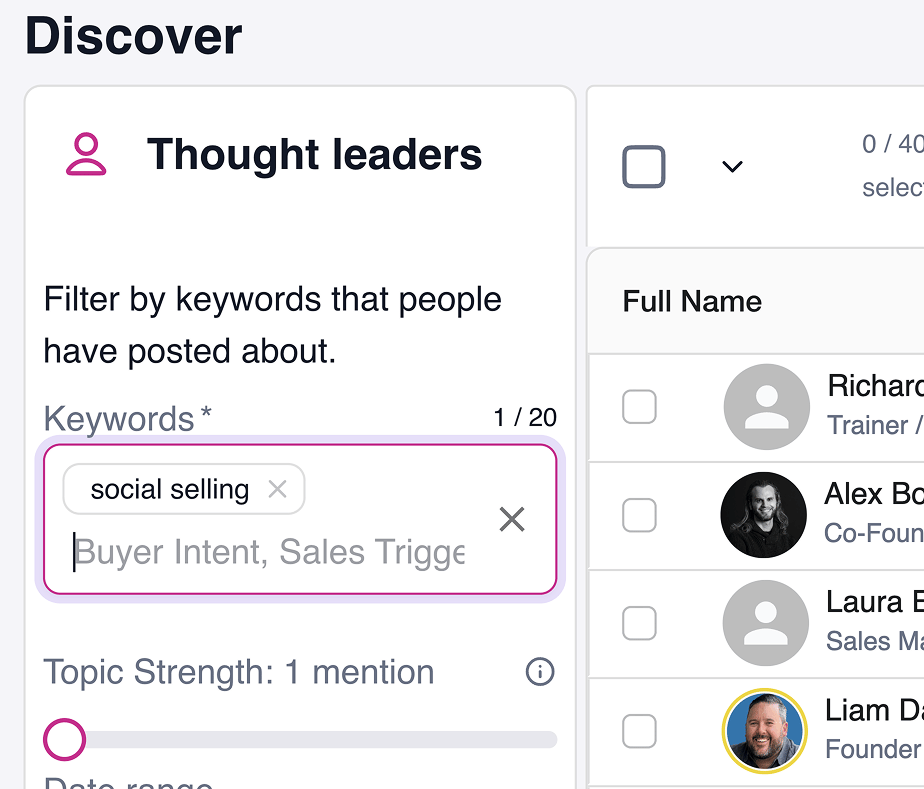
 You can discover new leads based on the keywords they're using on LinkedIn and then pushing them to Breakcold to engage that specific post (see demo video)
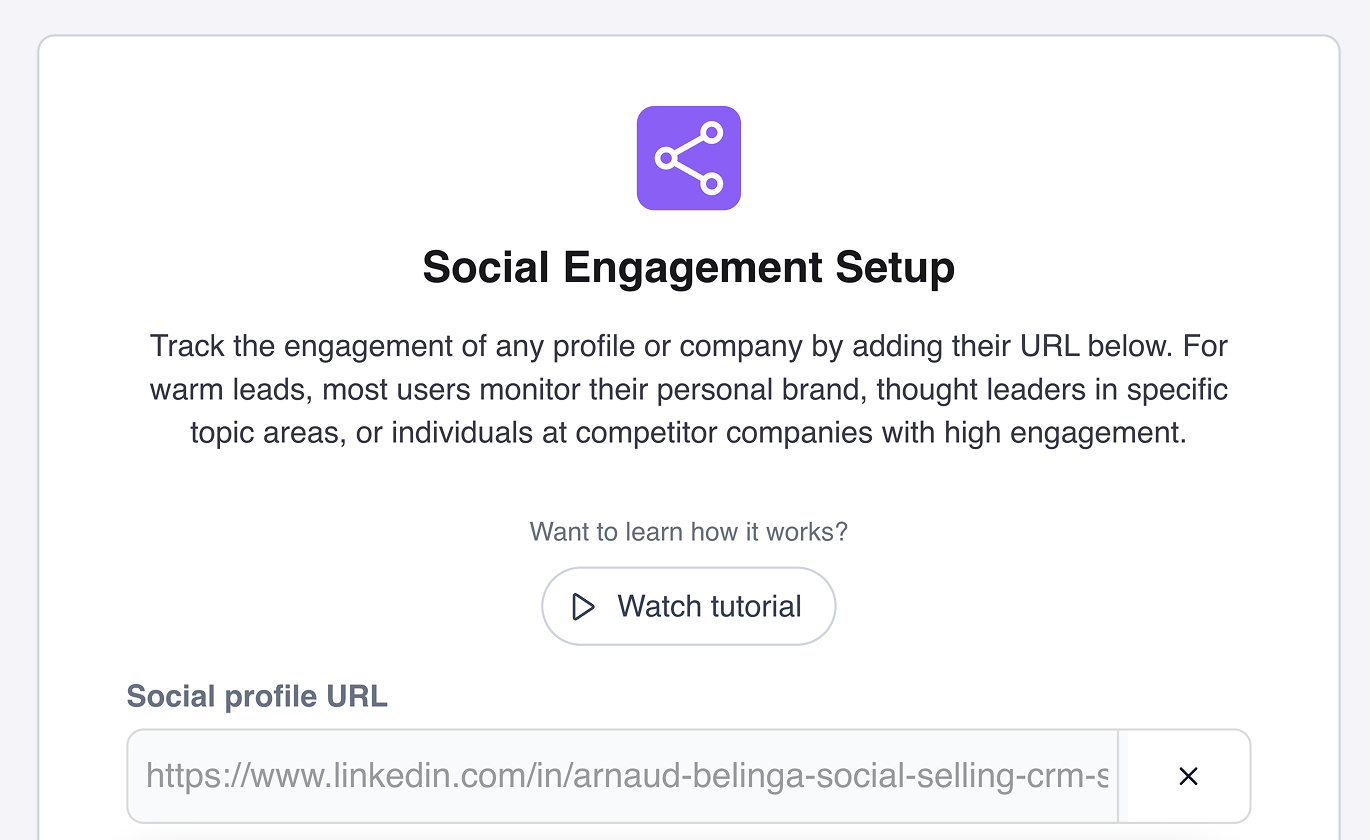
 You can put your LinkedIn URL, the one from your competitors or others to monitor the engagement they get to collect qualified leads (you can then filter them based on multiple criterias)
 ## What's next on integrations?
This is the FIRST VERSION, in the future we plan to do the following:
**Workflows possible in the future (on Trigify’s side)**
* push leads to a specific CRM list and optionally to a precise sales pipeline
* push leads to Breakcold manually from Signals & Listening
* update lead fields automatically in BC from job detection change + trigger a trigify task in BC
**Workflows possible in the future (on Breakcold’s side)**
* push leads manually from Breakcold to a Trigify Audience (eg. pushing all the leads in the list ‘Monitor’)
* push leads automatically from Breakcold to a Trigify Audience (eg. when lead goes from stage A to stage B, push lead to Monitor Audience).
## What's next on integrations?
This is the FIRST VERSION, in the future we plan to do the following:
**Workflows possible in the future (on Trigify’s side)**
* push leads to a specific CRM list and optionally to a precise sales pipeline
* push leads to Breakcold manually from Signals & Listening
* update lead fields automatically in BC from job detection change + trigger a trigify task in BC
**Workflows possible in the future (on Breakcold’s side)**
* push leads manually from Breakcold to a Trigify Audience (eg. pushing all the leads in the list ‘Monitor’)
* push leads automatically from Breakcold to a Trigify Audience (eg. when lead goes from stage A to stage B, push lead to Monitor Audience).