> ## Documentation Index
> Fetch the complete documentation index at: https://developer.breakcold.com/llms.txt
> Use this file to discover all available pages before exploring further.
# How to Connect a GSuite Account
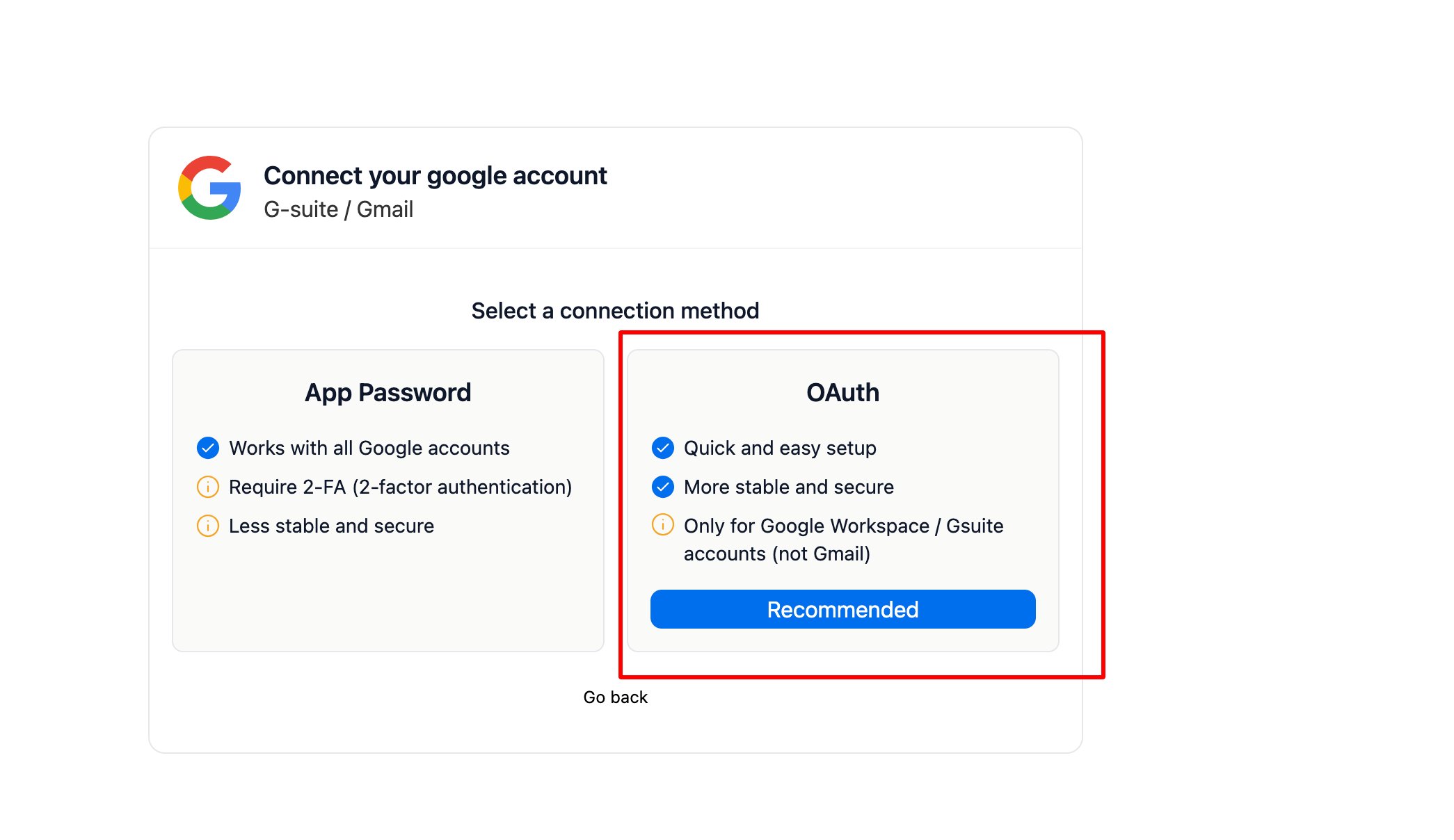
> How to Connect a GSuite Account Choose the OAuth method when setting up the connection.
# How to Connect a GSuite Account
## Choose the OAuth method when setting up the connection.
 ## Add a New App (Breakcold) in Google Admin Console
⚠️ **Note:** You need to have **admin access** to perform this step.
1. Log in to your Google Admin Console
Go to [admin.google.com](https://admin.google.com) and sign in with your super admin account.
2. Navigate to Security > API Controls
3. Under App access control, click “Manage Third-Party App Access”
4. Click “Add app” > “OAuth App Name or Client ID”
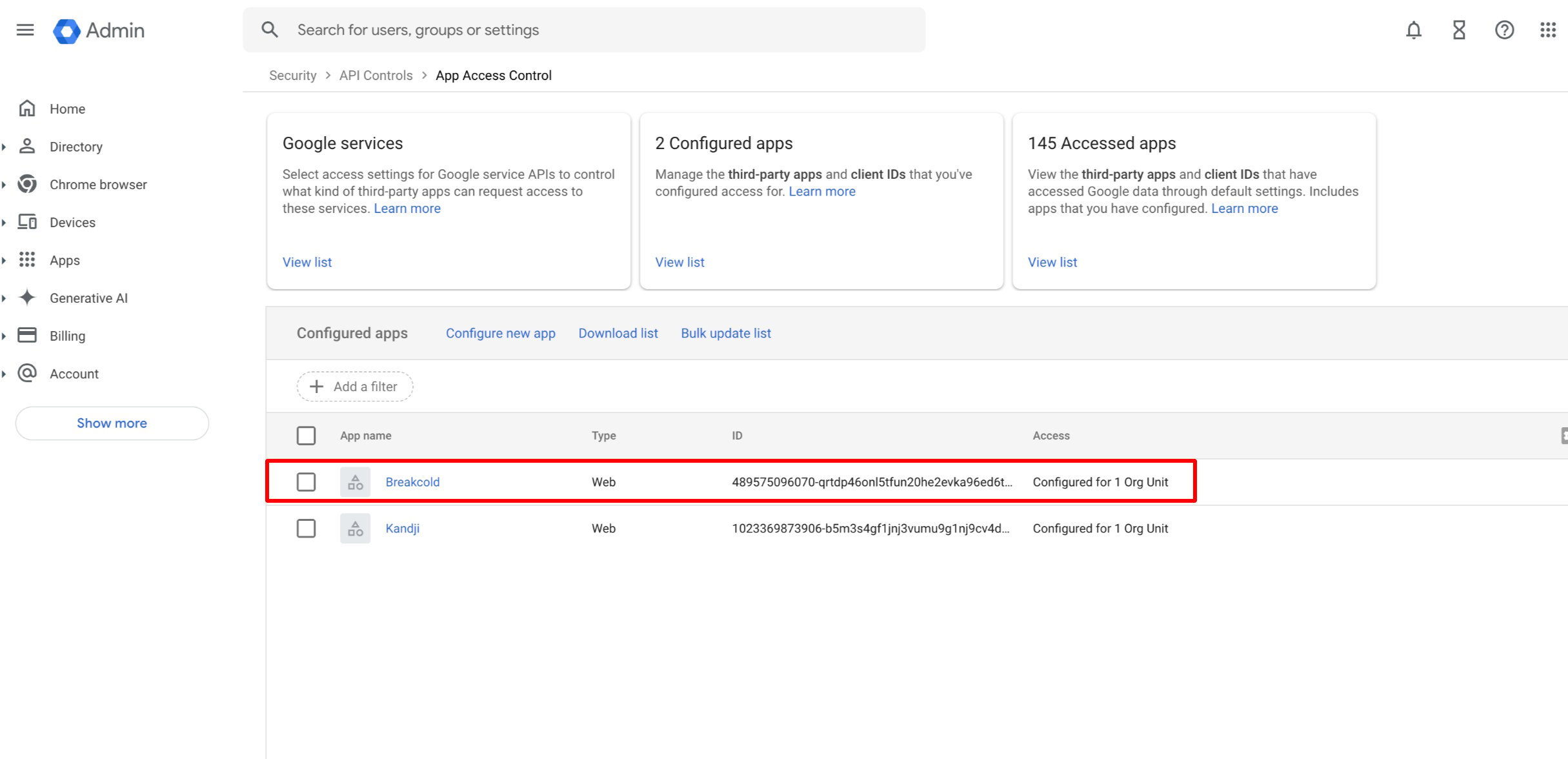
5. Paste the Client ID *`489575096070-qrtdp46onl5tfun20he2evka96ed6tvq.apps.googleusercontent.com`* then click Search
6. Once the app appears, click Select
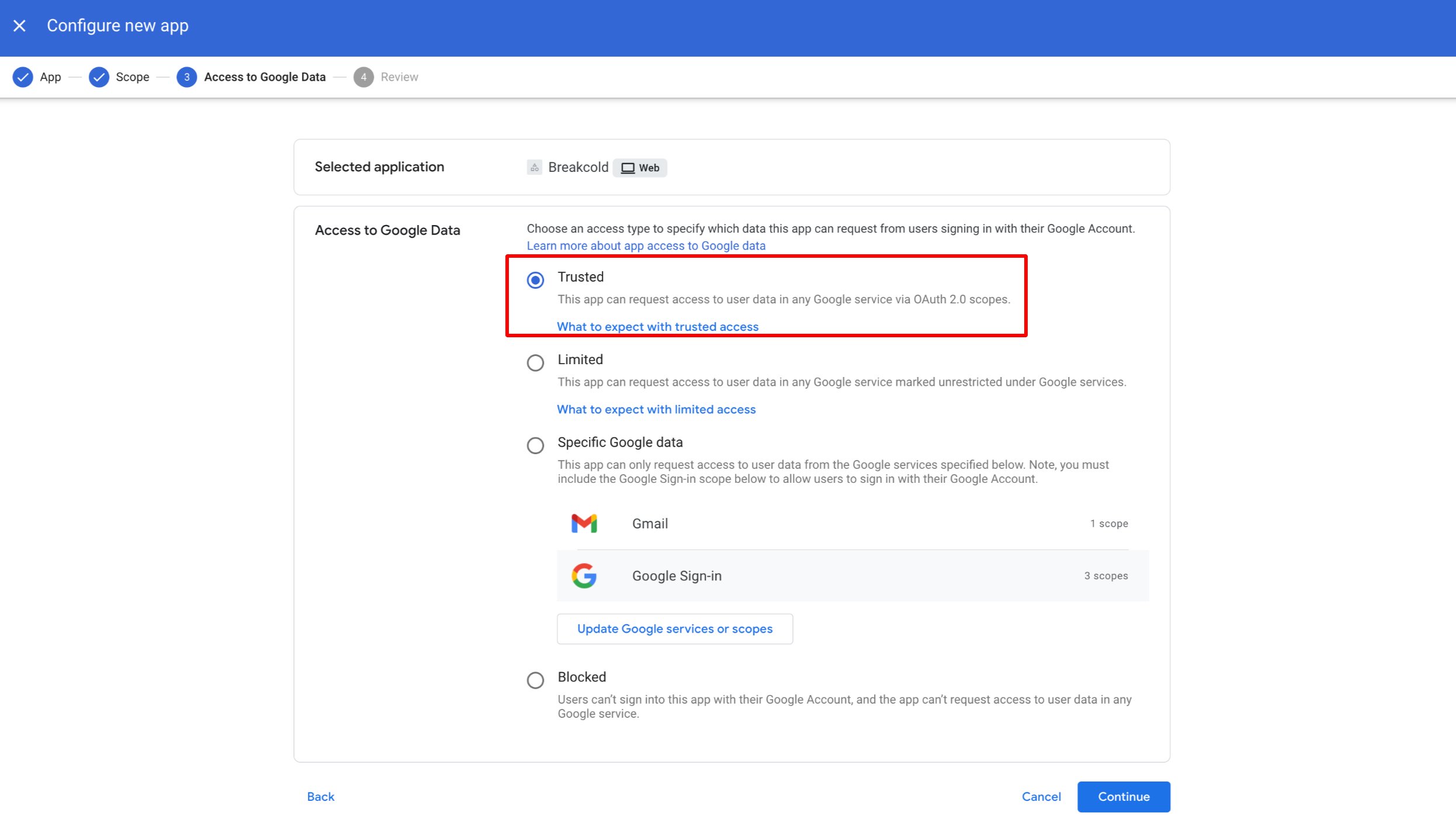
7. Set access permissions (e.g., Trusted, Blocked, or Limited), then click Continue
8. Click Finish to save the configuration
## Add a New App (Breakcold) in Google Admin Console
⚠️ **Note:** You need to have **admin access** to perform this step.
1. Log in to your Google Admin Console
Go to [admin.google.com](https://admin.google.com) and sign in with your super admin account.
2. Navigate to Security > API Controls
3. Under App access control, click “Manage Third-Party App Access”
4. Click “Add app” > “OAuth App Name or Client ID”
5. Paste the Client ID *`489575096070-qrtdp46onl5tfun20he2evka96ed6tvq.apps.googleusercontent.com`* then click Search
6. Once the app appears, click Select
7. Set access permissions (e.g., Trusted, Blocked, or Limited), then click Continue
8. Click Finish to save the configuration