> ## Documentation Index
> Fetch the complete documentation index at: https://developer.breakcold.com/llms.txt
> Use this file to discover all available pages before exploring further.
# What Is Quick Search?
> What Is Quick Search? Breakcold’s Quick Search is a unified search bar that helps you quickly locate key items across the platform without switching views or menus.
## What Is Quick Search?
Breakcold’s **Quick Search** is a unified search bar that helps you quickly locate key items across the platform without switching views or menus. It’s designed to save time and keep your workflow smooth.
***
## What You Can Search
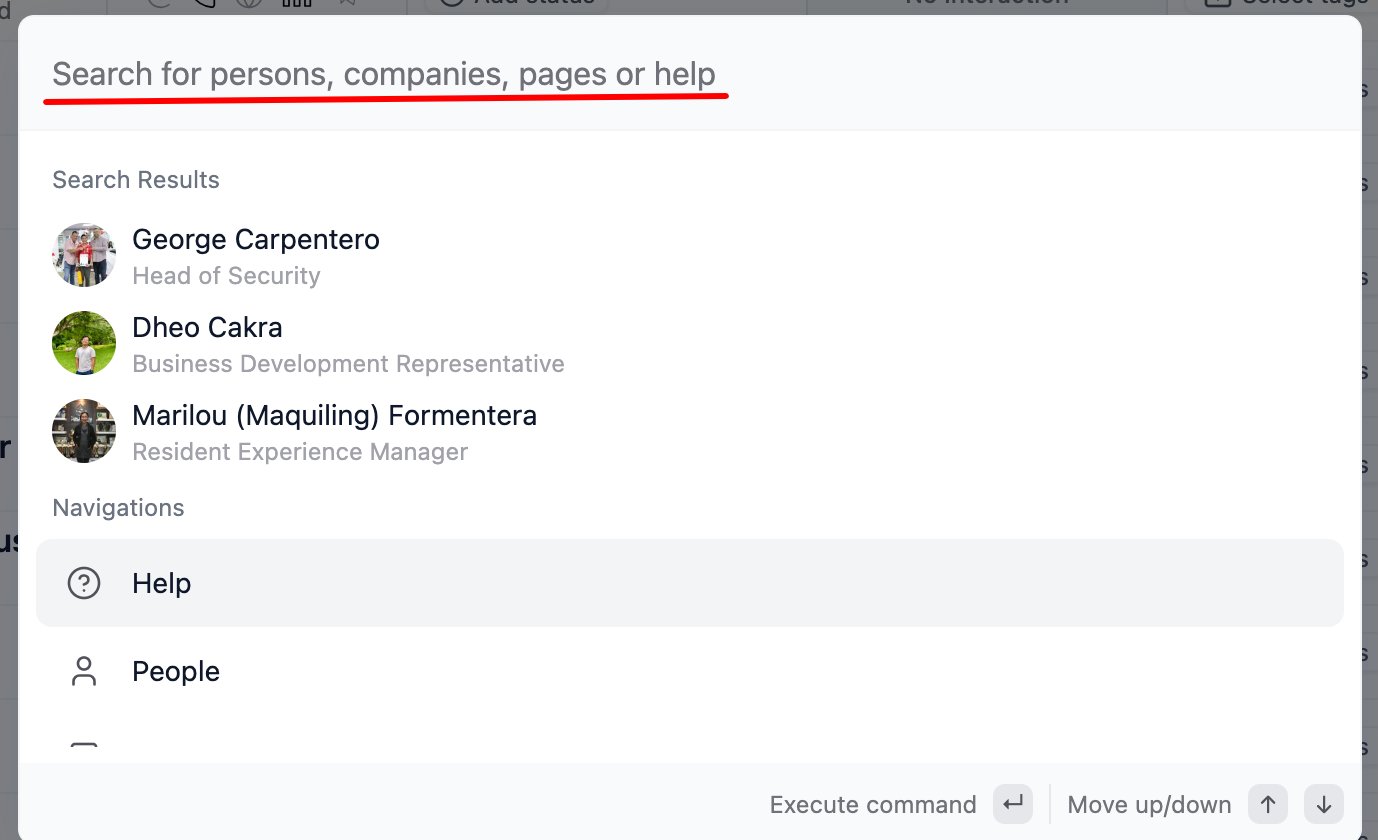
* **People** – Find contacts by name, email, or LinkedIn handle
* **Companies** – Search for companies or accounts in your CRM
* **Pages** – Jump to internal features or navigation pages quickly
* **Help Articles** – Get instant answers from the knowledge base
***
## How It Works
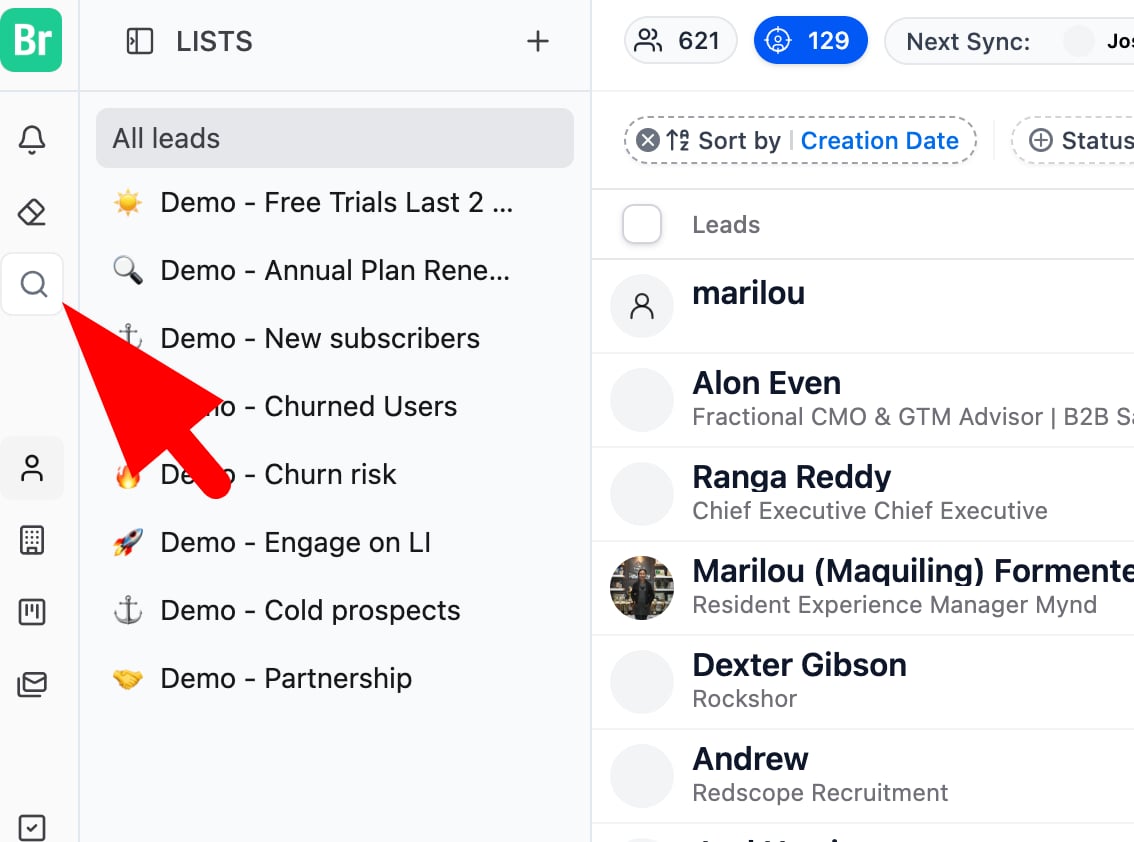
* Click on the **search icon** in the sidebar or use a shortcut **Command + K**
* Start typing and results appear instantly
* Select any result to jump directly to that contact, company, page, or support doc
 ***
💡 Tip: Quick Search is your go-to tool when you need to move fast, use it to pull up a lead, access a page, or find support without interrupting your flow.
***
💡 Tip: Quick Search is your go-to tool when you need to move fast, use it to pull up a lead, access a page, or find support without interrupting your flow.