> ## Documentation Index
> Fetch the complete documentation index at: https://developer.breakcold.com/llms.txt
> Use this file to discover all available pages before exploring further.
# How to Add & Remove Leads to a Pipeline
> Add Leads to a Pipeline You can’t add leads directly from the pipeline view .
# Add Leads to a Pipeline
You **can’t add leads directly from the pipeline view**. Use these methods:
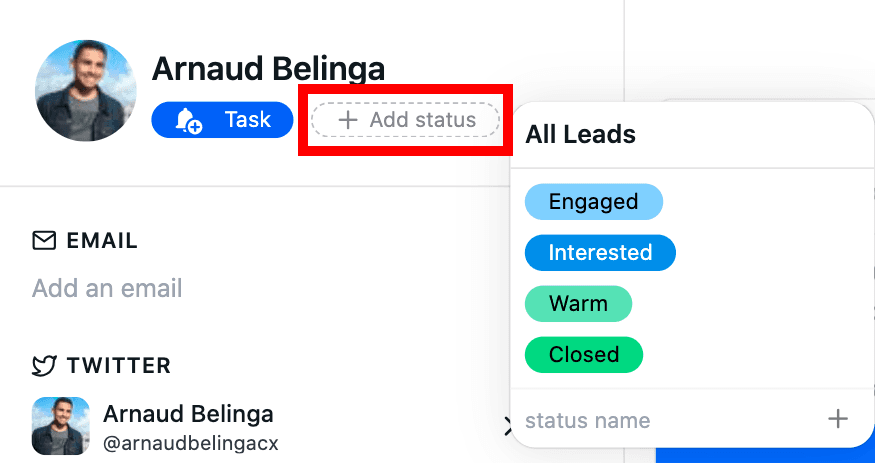
**Inside Breakcold:** Use the **status button** wherever you see a lead
 **From LinkedIn/Other Platforms:** Use the **Chrome extension**
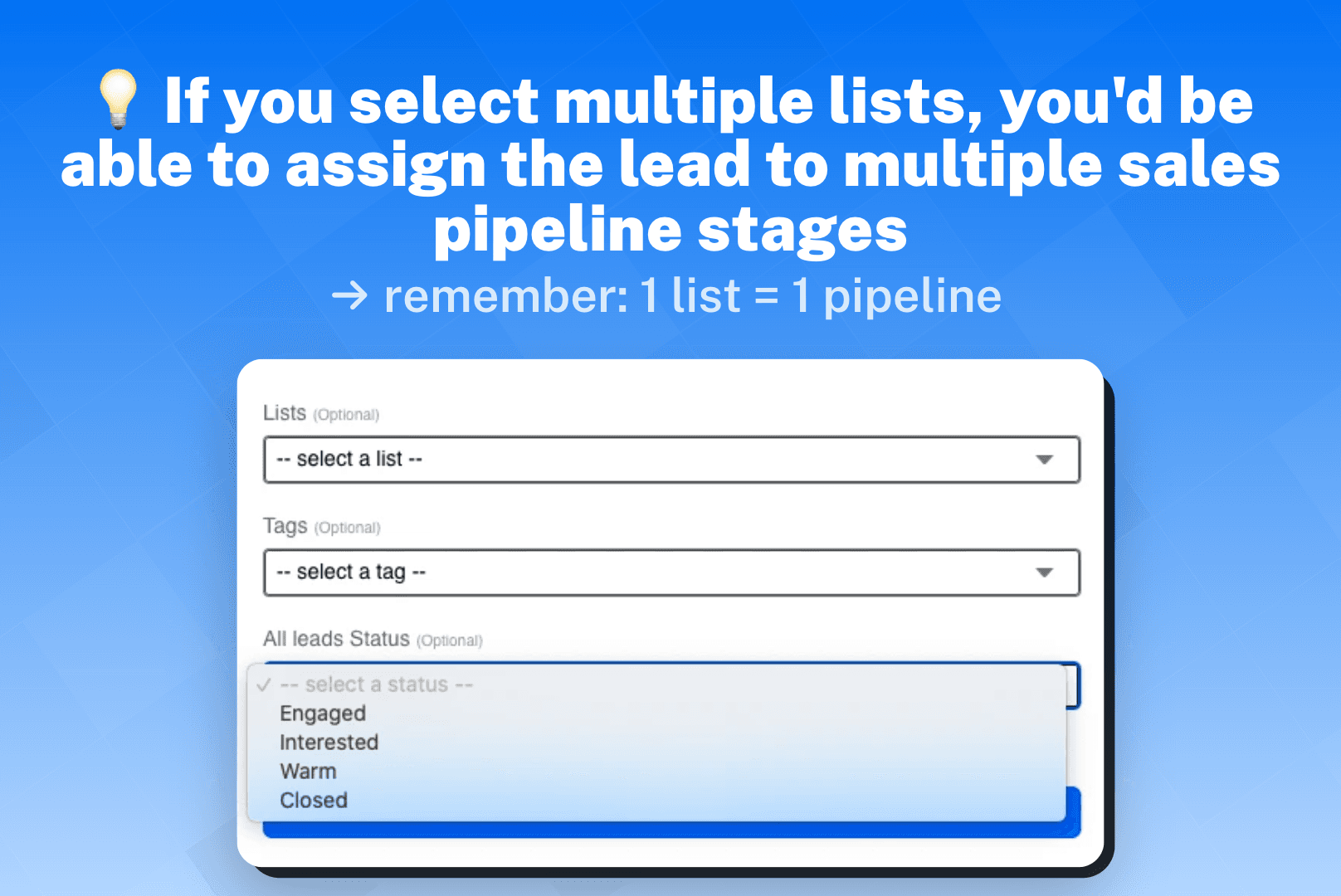 **Bulk Add:** Use the bulk import method, check out this [article](https://www.breakcold.com/help/docs/crm-edit-leads-bulk).
# Remove a Lead
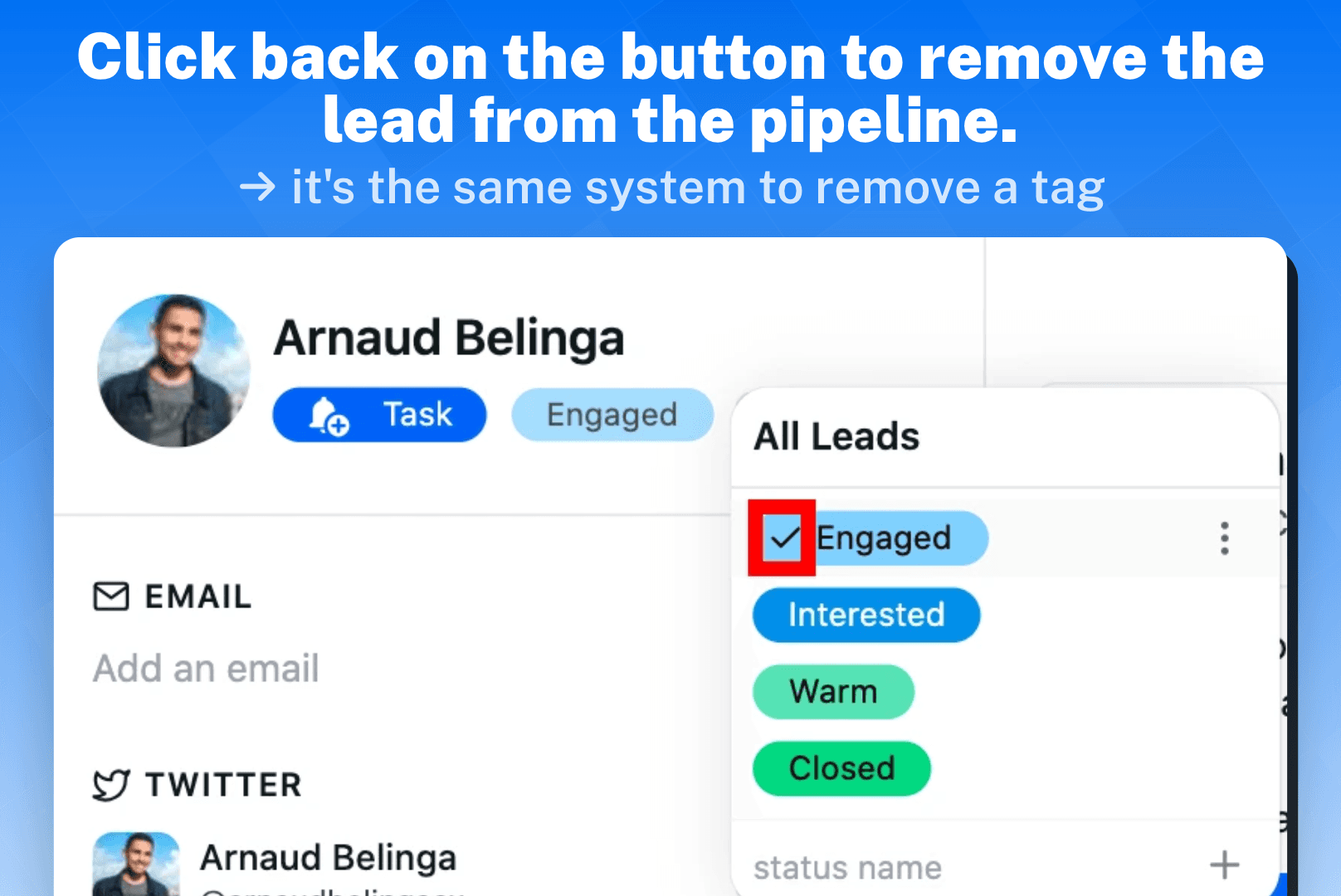
Just click on their **sales status** again to remove them from the pipeline.
**Bulk Add:** Use the bulk import method, check out this [article](https://www.breakcold.com/help/docs/crm-edit-leads-bulk).
# Remove a Lead
Just click on their **sales status** again to remove them from the pipeline.