> ## Documentation Index
> Fetch the complete documentation index at: https://developer.breakcold.com/llms.txt
> Use this file to discover all available pages before exploring further.
# How Do I Get Started with CRM Analytics in Breakcold?
> Feature Preview Breakcold CRM Analytics (Beta) We’re excited to launch CRM Analytics in Breakcold , now available in Beta !
## Feature Preview
[ ](https://youtu.be/cYtat6dZByo?feature=shared)
## Breakcold CRM Analytics (Beta)
We’re excited to launch **CRM Analytics in Breakcold**, now available in **Beta**! This new feature provides a powerful yet simple way to track your sales, communication, and social activity all in one place. While we’re still fine-tuning things, the current version is already packed with value and ready to use.
***
## Accessing the Analytics Dashboard
To open your analytics dashboard:
Navigate to the **“Analytics”** tab
](https://youtu.be/cYtat6dZByo?feature=shared)
## Breakcold CRM Analytics (Beta)
We’re excited to launch **CRM Analytics in Breakcold**, now available in **Beta**! This new feature provides a powerful yet simple way to track your sales, communication, and social activity all in one place. While we’re still fine-tuning things, the current version is already packed with value and ready to use.
***
## Accessing the Analytics Dashboard
To open your analytics dashboard:
Navigate to the **“Analytics”** tab
 in the left-hand panel
2. Your dashboard will automatically load with a default layout based on your account type.
⚠️ Note: If your data isn’t showing before September 2024, don’t worry that’s expected. We began tracking data from that point forward.
***
## Customizing Your Dashboard (No CRM Expertise Needed)
Breakcold makes dashboard customization intuitive, so you don’t need to be a CRM expert to build a view that fits your workflow.
You can:
* **Drag and drop** analytics blocks to reorganize your layout
* **Add new blocks** by browsing the available analytics categories (Pipeline, Communication, Social)
* **Remove blocks** that aren’t relevant to your current goals
in the left-hand panel
2. Your dashboard will automatically load with a default layout based on your account type.
⚠️ Note: If your data isn’t showing before September 2024, don’t worry that’s expected. We began tracking data from that point forward.
***
## Customizing Your Dashboard (No CRM Expertise Needed)
Breakcold makes dashboard customization intuitive, so you don’t need to be a CRM expert to build a view that fits your workflow.
You can:
* **Drag and drop** analytics blocks to reorganize your layout
* **Add new blocks** by browsing the available analytics categories (Pipeline, Communication, Social)
* **Remove blocks** that aren’t relevant to your current goals
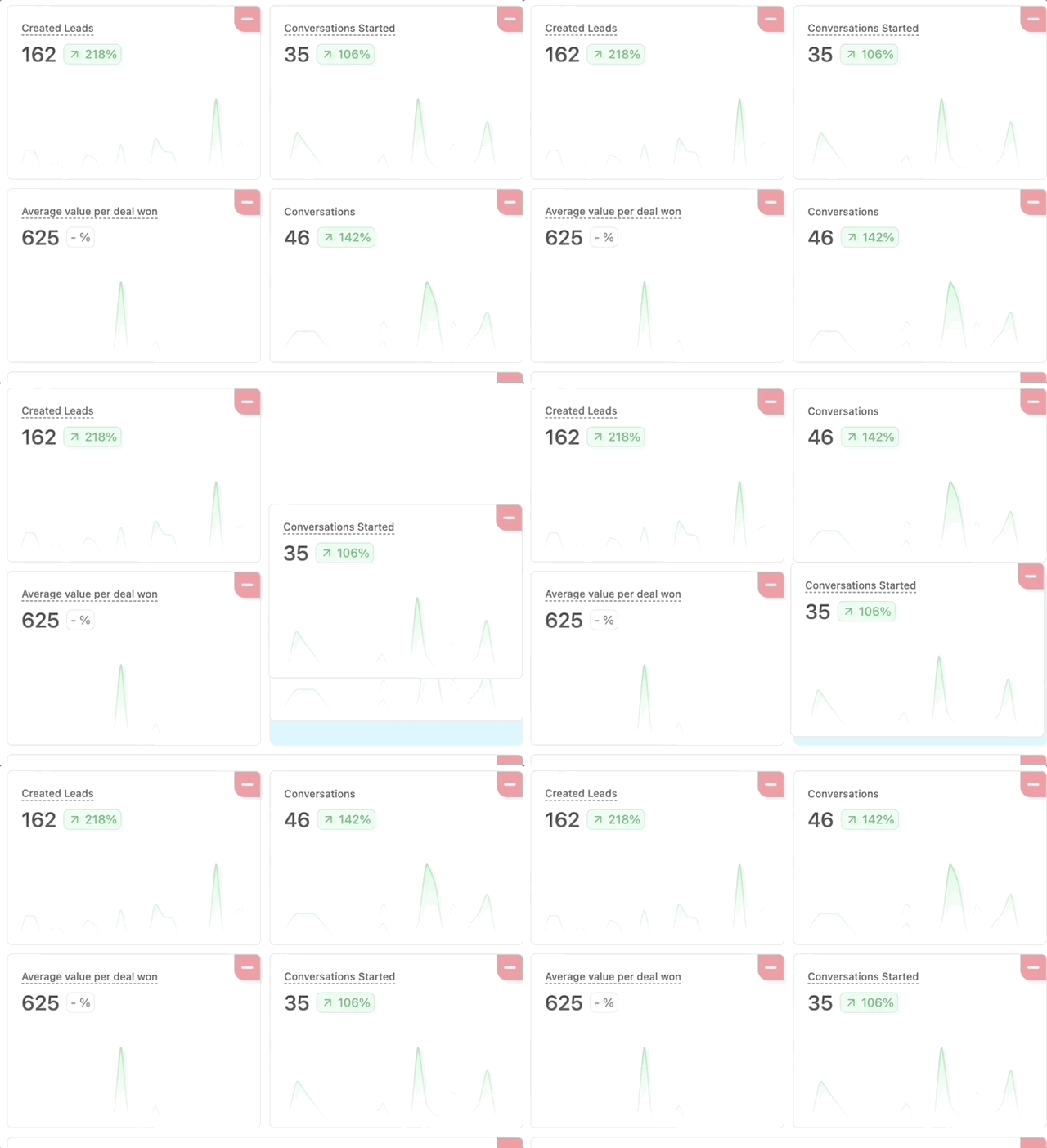
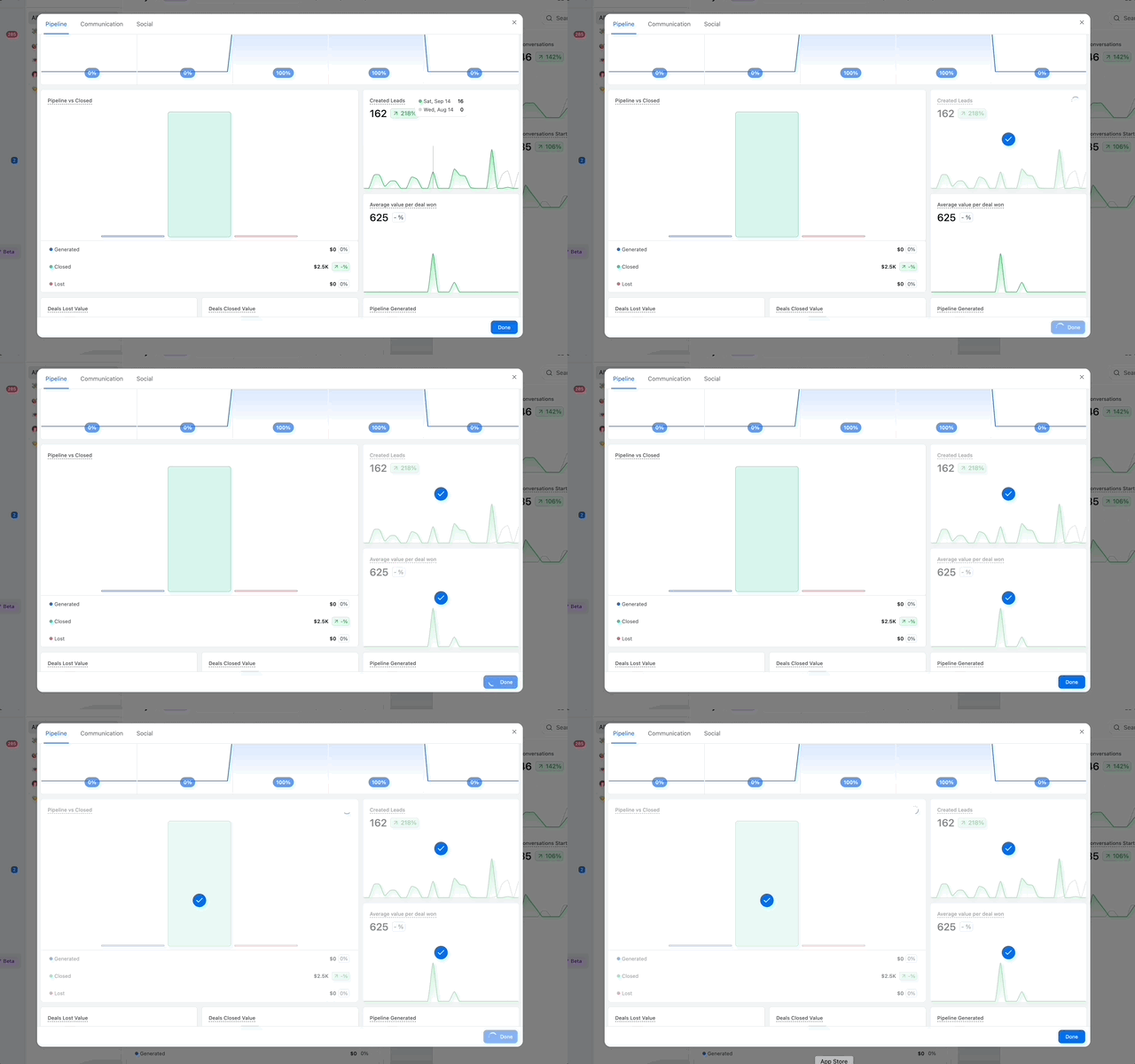 With over **23+ analytics blocks**, there’s flexibility to match any sales or outreach style.